

News & blogs
Publish announcements, stories, and articles with their own URLs.
Manage news, products, events, FAQs, listings, and enquiries from one simple CMS. No code, plugins, or extra subscription.
Every planCMS includedContent updates do not use an AI change
Your team edits structured content. Nanopage keeps the pages and design in sync.
Each entry has clear fields for text, images, dates, prices, links, and more. Anyone who can fill in a form can keep the site current.
Publish announcements, stories, and articles with their own URLs.
Keep catalogs, menus, schedules, properties, and directories current.
Update repeating sections without asking the AI to rebuild them.
Receive contact, booking, quote, and enquiry submissions inside Nanopage.
News, products, events, and enquiries in one CMS tab — not a second product to log into.
The actual Nanopage CMS workspace · Click to enlarge
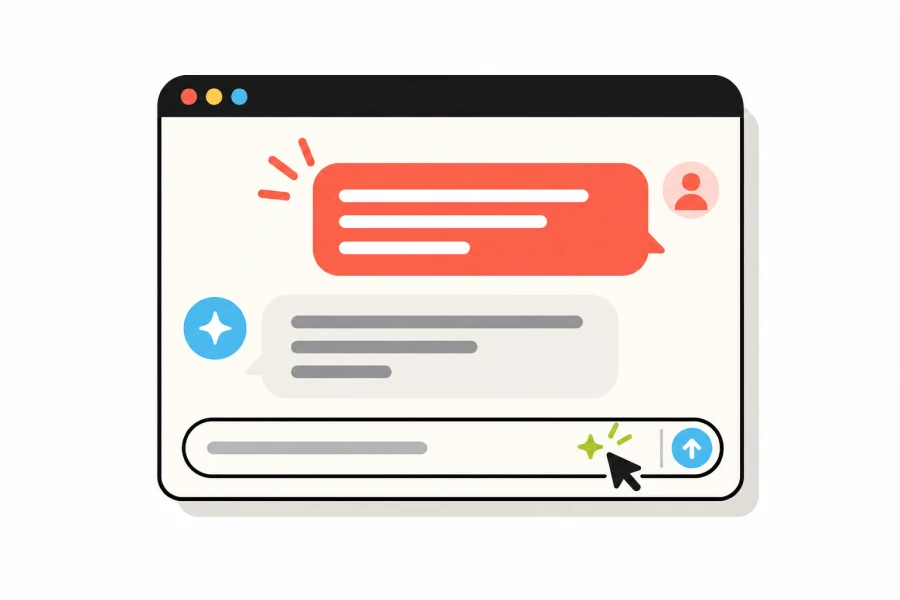
Tell Nanopage you need news, products, events, FAQs, listings, or something custom.
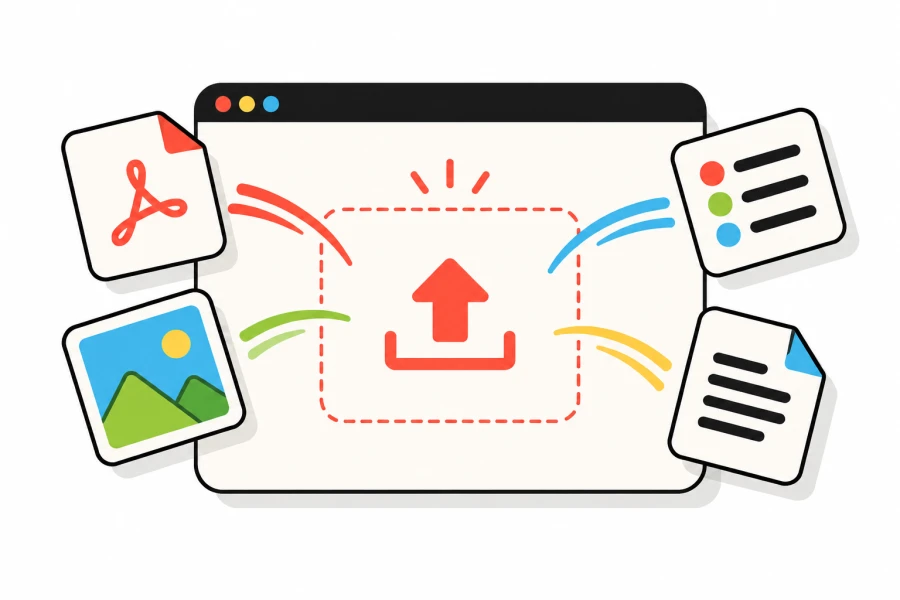
The AI creates the fields, pages, and design. There is no CMS configuration to learn.

Add, edit, draft, and publish entries from Content without using an AI site change.
Yes. The built-in CMS and form inbox are included in every Nanopage website plan.
Yes. Ask Nanopage to add an editable section to the site you already have. Existing repeated content can become your first entries.
No. Adding, editing, reordering, drafting, publishing, and deleting entries does not use an AI site change. You only use one when changing the design or placement.
Yes. Use text, rich text, images, prices, dates, dropdowns, links, email addresses, phone numbers, and more.
Yes. Published entries become complete HTML pages and are added to your sitemap. Content types with individual pages also receive an RSS feed.
Build the site once. Keep news, prices, events, and enquiries current without asking the AI to rebuild it.