
Same file, same form
A role gets 500 applicants. Inside the hiring system they look almost identical — same PDF attachment, same short summary, same hope that someone reads the details closely.
In a stack of 500 near-identical resumes, the cheapest edge is doing a little more than everyone else. This guide is the playbook: a general resume website you reuse everywhere, plus a page built for one specific job — and how to make both from your existing CV.
The same PDF, sent the same way, by almost everyone.
A role gets 500 applicants. Inside the hiring system they look almost identical — same PDF attachment, same short summary, same hope that someone reads the details closely.
A hiring manager spends seconds deciding if you're qualified, understand the role, and care about the company. A wall of bullet points rarely answers all three fast enough.
Very few candidates build anything beyond the PDF — and almost none build a page for the specific job. That gap is the cheapest edge in the whole process.
One link you reuse everywhere — and, for the roles you really want, a page built for that one job.
Your CV as one clean, reusable link. Experience, skills, projects, contact — at a URL with your name in it. Use the same link in every application, your LinkedIn headline, and your email signature.
“[Your Name] for [Company]” — a one-page site aimed at a single role that argues why you're the best candidate for it. A short cover letter, why this company, how you'd help, and the proof. The thing almost nobody sends.
If one or two applicants out of hundreds build a thoughtful page for that exact role, those are the ones the hiring manager remembers.
Instead of asking the reviewer to decode why you're a match, you say it plainly: why this company, how you'd help, and the proof behind it.
Not a flashy brand — just visible care. For any role that touches communication or judgment, the page is itself a work sample.
Each has a job. Only one is fully yours — and only one bends to a specific role.
| Question | Resume website | PDF resume | |
|---|---|---|---|
| Who owns it | You — your URL, your content, your design | LinkedIn — rules and layout can change anytime | You, but it lives in inboxes and downloads folders |
| Design control | Full — colors, layout, the whole feel | None — identical to every other profile | Full, but static and frozen on send |
| Found by Googling your name | Yes — your own page can rank | Sometimes — but you don't control the result | No — a file isn't a web page |
| Tailor it to one job | Yes — spin up a page for a specific role | No — one profile for every application | Only by re-exporting a new file each time |
Keep LinkedIn for reach and recruiter searches. Use the website as the link you actually control — and tailor it when a role is worth it.
Seven sections. You don't need all of them — but this is the menu.
Your name, a one-line headline (role + specialism), and where you're based or open to.
Two or three sentences on who you are and what you're looking for. Skip the buzzwords.
Roles in reverse order with dates, company, and a couple of concrete, measurable wins each.
The tools and competencies that matter for the roles you want — grouped, not a wall of tags.
The work itself: shipped projects, case studies, writing, links to GitHub or a portfolio.
A mailto link or button plus LinkedIn / GitHub. No contact form needed — a link is enough.
Keep a "Download resume" button for the ATS-and-paperwork crowd who still want the file.
General resume sites and a targeted "[Name] for [Company]" page — all built by Nanopage. Open any of them.
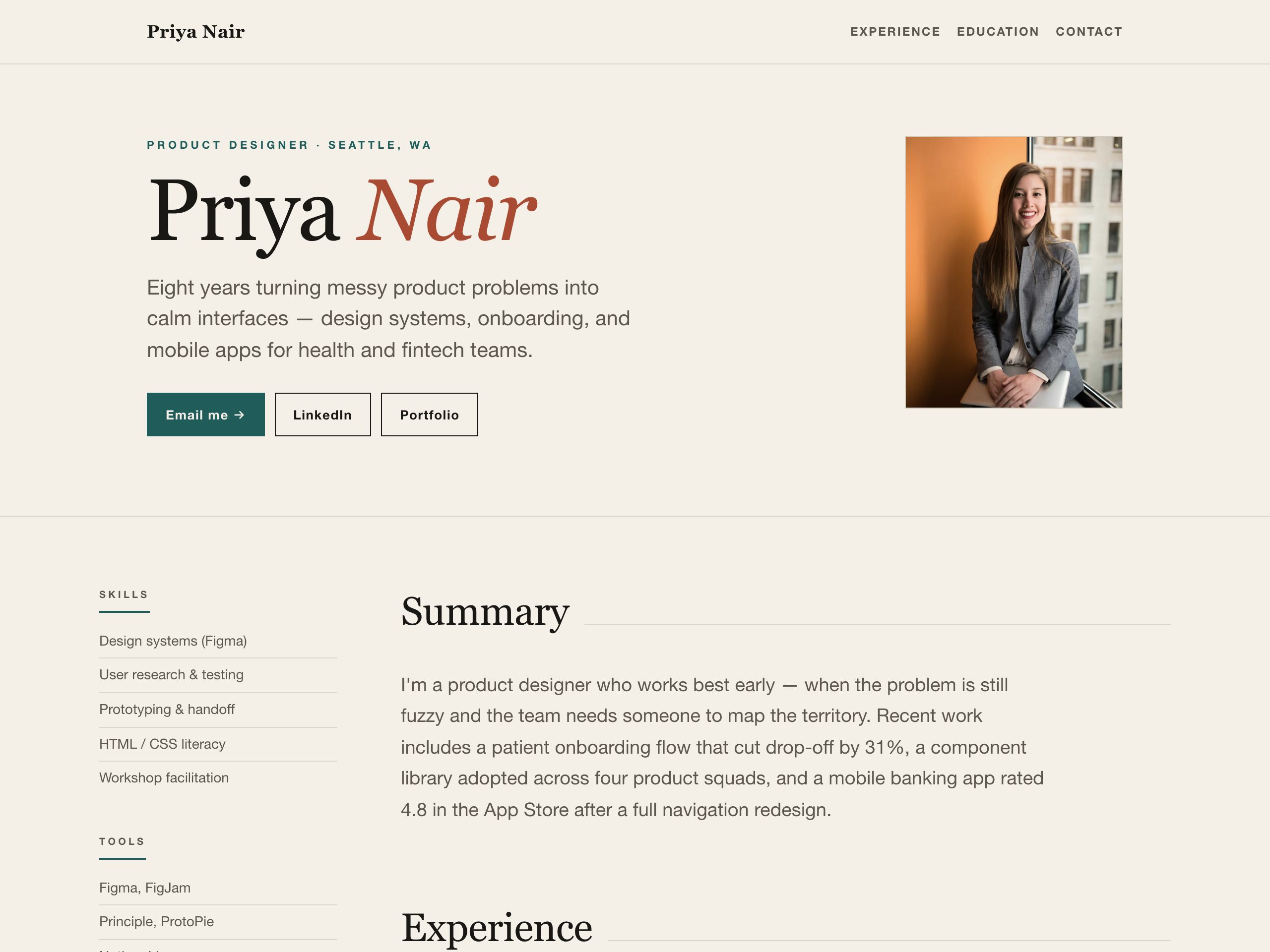
Product designer · Seattle, WA
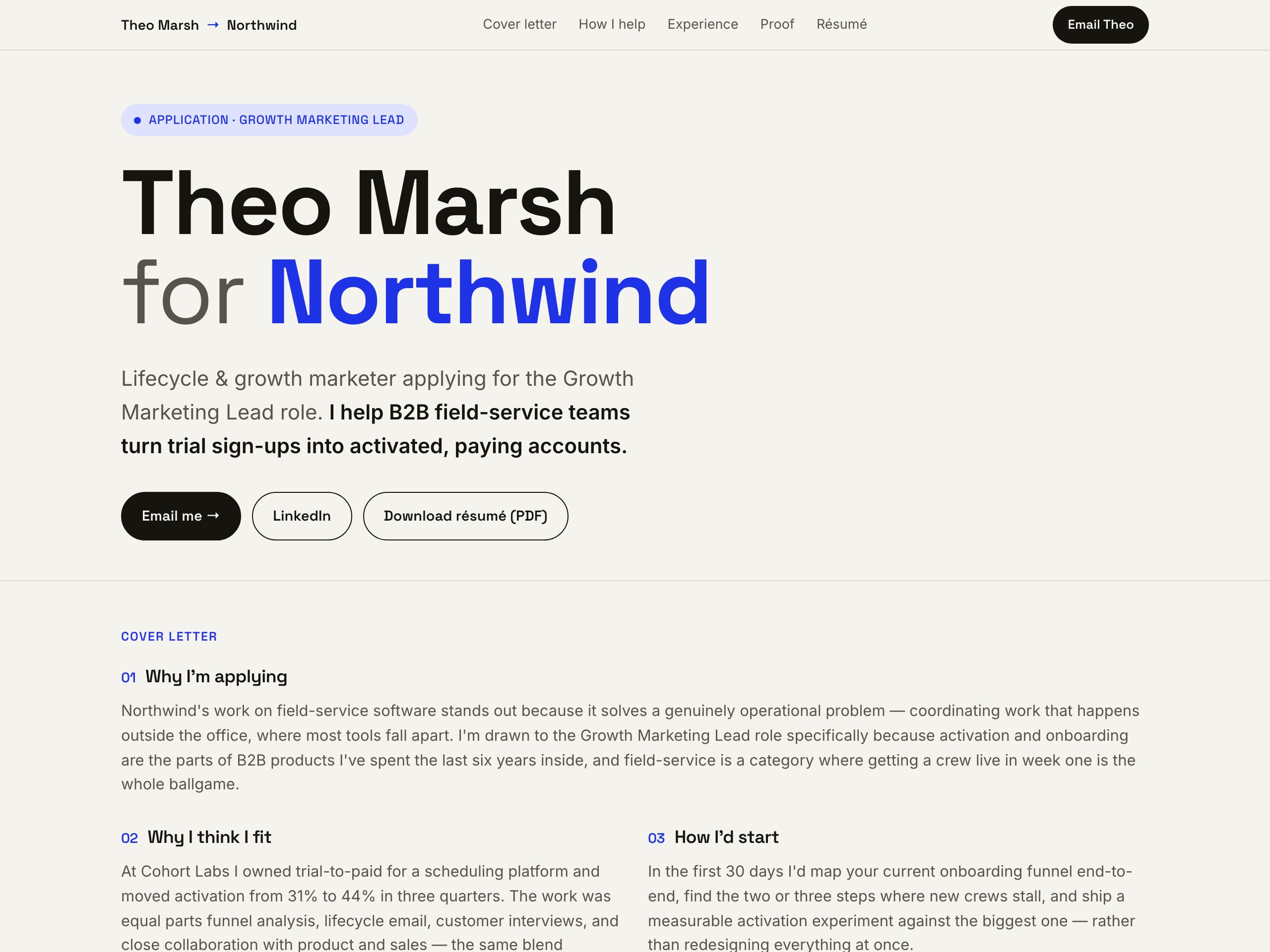
Targeted job application page · Growth Marketing Lead
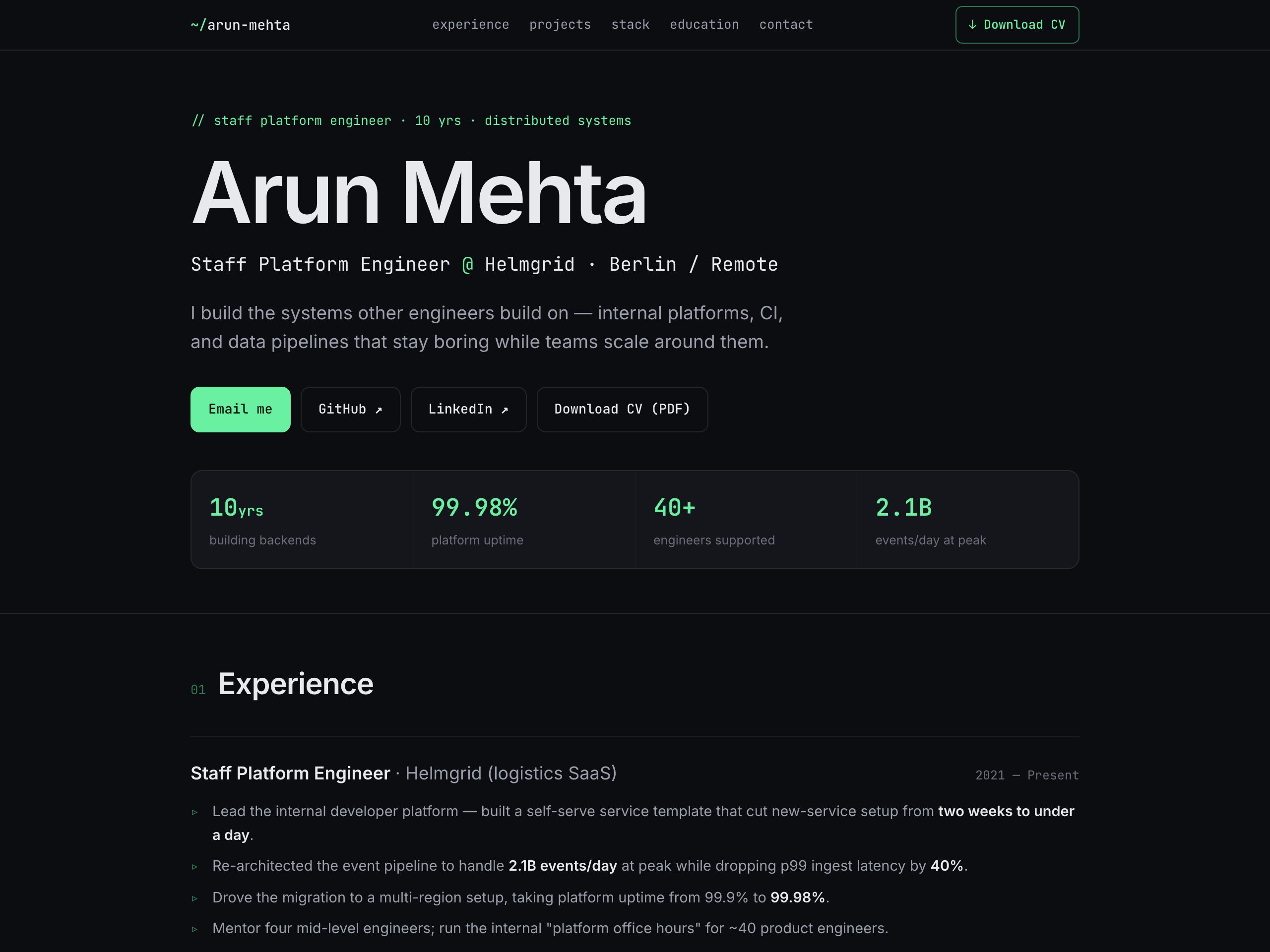
Staff platform engineer · Berlin / Remote

Senior product manager · Amsterdam, NL
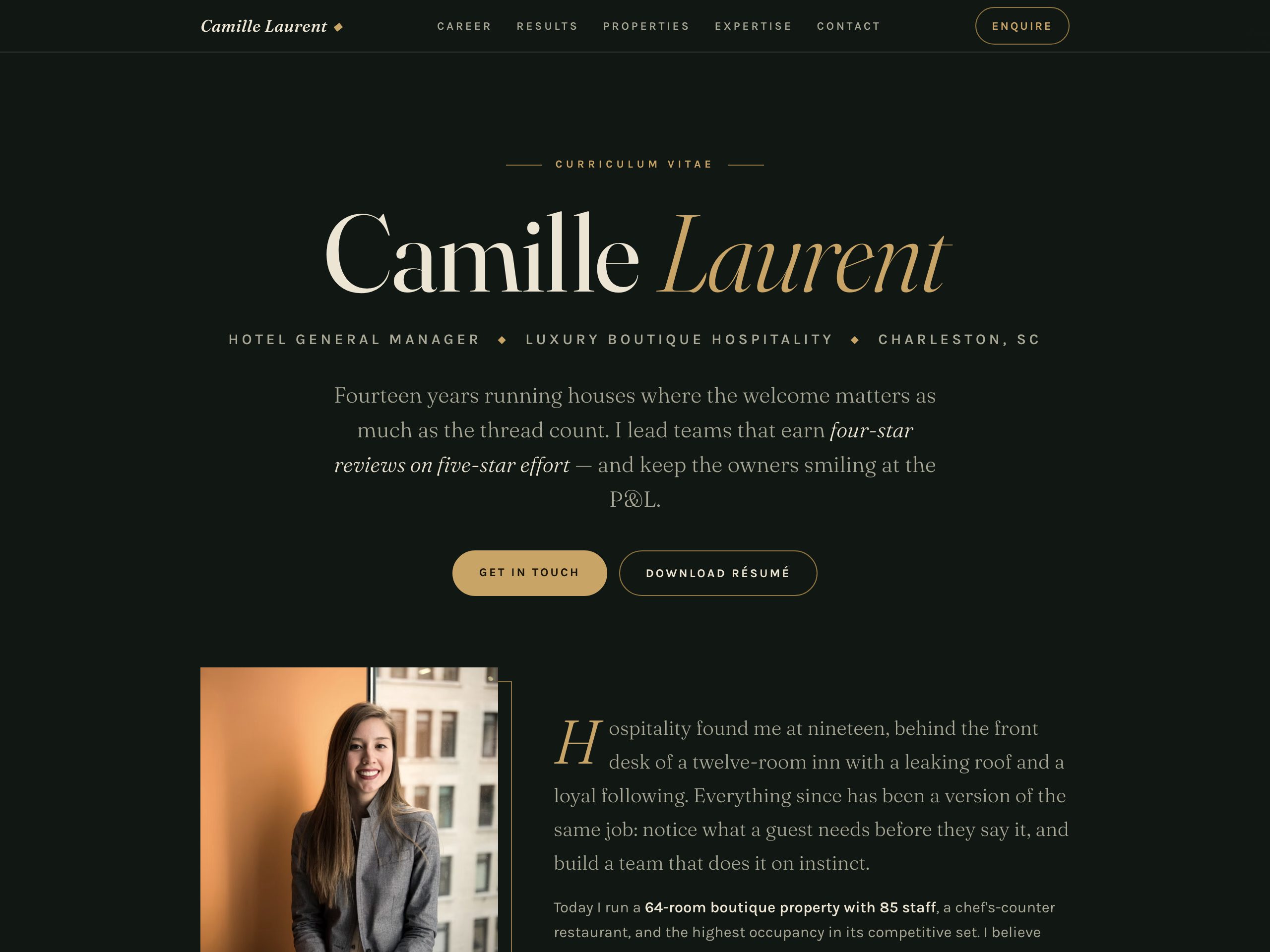
Hotel general manager · Charleston, SC
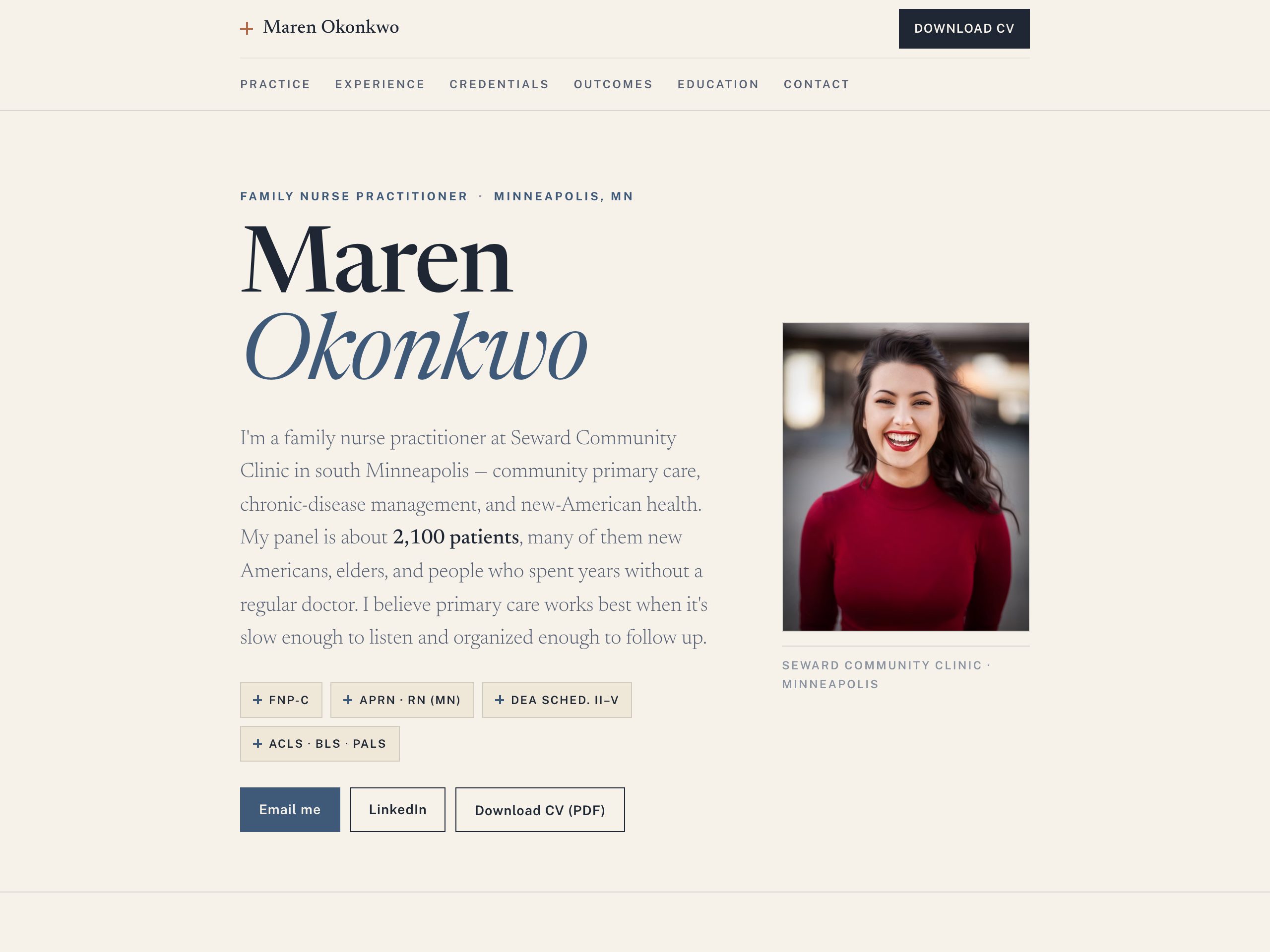
Family nurse practitioner · Minneapolis, MN
From a file on your desktop to a link you can send anyone — five steps, well under ten minutes.
Start from your existing resume — Nanopage reads the text straight out of it. Make sure it's a text-based PDF (you can highlight and copy a sentence from it); a scanned image won't work, since there's no OCR.
Decide what the page should contain before you build — the seven-section menu above is the full list. For most people that's a header, a short summary, experience, skills, and contact, plus projects or proof if you have them.
A website is read faster than a document. Cut the filler, lead with specifics, and let numbers do the work. The AI will use exactly what you give it — so give it good material.
Drop your PDF into Nanopage, add a sentence about how it should feel, and hit generate. A few minutes later it's live at a real URL. Open it, then chat-edit anything that's off.
A site nobody sees does nothing. Put the link in the three places recruiters actually look, and in your applications.
A resume website is your general CV online — one reusable link you use everywhere. A targeted application page is built for one specific job ("[Your Name] for [Company]") and argues why you're the right person for that role. Most people benefit from the general site; the targeted page is the standout move for the handful of roles you really want. Here's how the targeted page works.
A text-based PDF or DOCX — the kind where you can highlight and copy a sentence. Nanopage reads your experience, skills, and contact details straight out of the file; a scanned image won't work, since there's no OCR. If your resume is a scan, export a fresh PDF from Word or Google Docs first.
Nanopage builds the site for free in a few minutes; publishing it live is $19 / year. That's the whole cost — hosting, HTTPS, and a real URL included. You can connect your own domain (bought separately from a registrar) at no extra Nanopage charge.
You decide what goes on the page. Nanopage only uses the files you upload — it never scrapes LinkedIn or anywhere else. Leave your home address and references off a public page, keep contact to an email or mailto button, and if a page is for one company you can password-protect it or keep its URL unlisted and share it only with them.
Yes. Custom domains are supported. Buy the domain from any registrar, point one DNS record at Nanopage, and your site lives at your name. The domain guide walks through it step by step.
Build your resume website free in a few minutes. Publish for $19 / year. Then tailor a page for the job you really want.