Most job seekers send the same thing: a PDF resume and maybe a short cover letter.
That is normal. It is also easy to ignore.
If a company gets 500 applications for one role, most of those applications will look similar inside the hiring system. Same format. Same attachment. Same short summary. Same hope that someone reads the details closely.
A simple resume website gives you another way to be remembered.
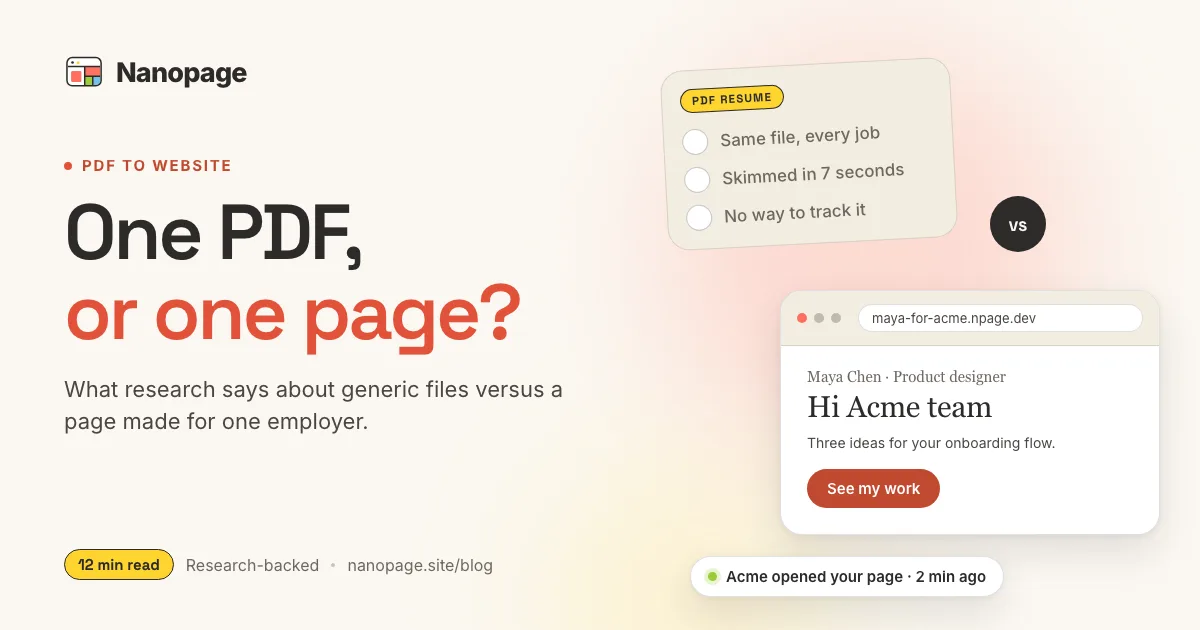
Instead of only sending john-smith-resume.pdf, you can send a focused page like:
John Smith for Acme Ltd.That page can include your resume information, but it can also do something a PDF does not do well: explain why you are applying to this company, how you understand the role, and how you can help.
This is not about building a flashy personal brand site. It is about doing a little more work than most applicants, in a way that is useful to the person reviewing you.
Why a targeted resume website helps
For the research behind when a PDF is enough and when a company-specific page improves your odds, read PDF Resume vs Company-Specific Application Website.
A hiring manager is trying to answer a few questions quickly:
- Is this person qualified?
- Do they understand the role?
- Do they care about this company?
- Can they communicate clearly?
- Is there proof behind the claims?
A PDF resume can answer some of that. A targeted website can answer it faster and with more context.
The advantage is not that the site is technically impressive. The advantage is that it shows effort, clarity, and fit.
If 500 people apply and only one or two create a thoughtful page for that specific company, those one or two applicants are easier to remember.
That does not guarantee an interview. Nothing does. But it can make your application feel less generic, especially when you are applying for roles where communication, initiative, design sense, product thinking, writing, marketing, sales, operations, consulting, or technical judgment matters.
The better idea: a company-specific application page
A generic resume website is useful. A company-specific application page is stronger.
Instead of making one page called:
John Smith - Product DesignerMake a targeted version for a specific opportunity:
John Smith for Acme Ltd.
Product designer applying for the Growth Design role
The page should feel like a clean application packet:
- Short cover letter.
- Why this company.
- How you can help.
- Relevant experience.
- Selected proof.
- Resume details.
- PDF download.
- Contact links.
You are not asking the hiring manager to decode why you are a fit. You are making the case clearly.
What to put above the fold
The first screen matters. It should say exactly what the page is.
Example:
John Smith for Acme Ltd.

Product designer applying for the Growth Design role.
I help B2B teams turn confusing onboarding flows into clearer product journeys.

View resume
Email me
LinkedIn
This is much stronger than a vague headline like:
Creative problem solver passionate about impactHiring teams do not need mystery. They need relevance.
Use the top of the page to answer:
- Who are you?
- What role are you applying for?
- What kind of value do you bring?
- What should they click next?
Add a short cover letter section
A cover letter inside a website can be more readable than a separate document.
Keep it short. The page should not feel like homework.
Structure it like this:
Why I am applying
Two or three sentences about the company, product, mission, team, or role.

Why I think I fit
Two or three sentences connecting your experience to their needs.

How I can help
Three bullets showing specific ways you could contribute.
For example:
Why I am applying
Acme's work on field-service software stands out because the product solves a real operational problem: helping teams coordinate work that happens outside the office. I am especially interested in the Growth Design role because onboarding and activation are the parts of B2B products I have worked on most.

Why I think I fit
In my last role, I redesigned trial onboarding for a scheduling platform and helped increase activation from 31% to 44%. The work required user interviews, funnel analysis, product writing, and close collaboration with engineering.

How I can help
- Audit the current onboarding flow and identify drop-off points.
- Turn product value into clearer first-session guidance.
- Design and test activation experiments with measurable outcomes.
This is more useful than a generic cover letter because it connects your background to their situation.
Show how you can help the company
This is where most applicants miss an opportunity.
They talk only about themselves:
- My experience.
- My skills.
- My degree.
- My previous employers.
Those things matter, but companies hire because they have problems to solve.
Add a section called:
How I can help AcmeThen write 3-5 specific bullets.
Examples for different roles:
For a marketer:
- Improve trial-to-demo conversion with clearer landing page messaging.
- Build lifecycle emails for users who start but do not finish setup.
- Turn customer stories into lightweight case studies for sales.
For a developer:
- Ship small product improvements quickly while keeping code maintainable.
- Improve frontend performance in the dashboard.
- Help turn vague product requirements into scoped technical plans.For an operations role:
- Document repeatable workflows so the team depends less on one-off knowledge.
- Clean up handoffs between sales, onboarding, and support.
- Build simple reporting around the metrics the team already reviews.You do not need inside information. Use the job description, company website, product pages, customer stories, and common sense. Be specific, but do not pretend you know everything from the outside.
Include your resume information
The site should still include the standard resume content.
Add:
- Name and professional title.
- Location or remote-work preference.
- Email.
- LinkedIn.
- PDF resume download.
- Work experience.
- Education.
- Skills and tools.
- Certifications if relevant.
- Portfolio, GitHub, writing, or project links.
Do not make the hiring manager hunt for basics. The page should enhance the resume, not replace the useful parts.
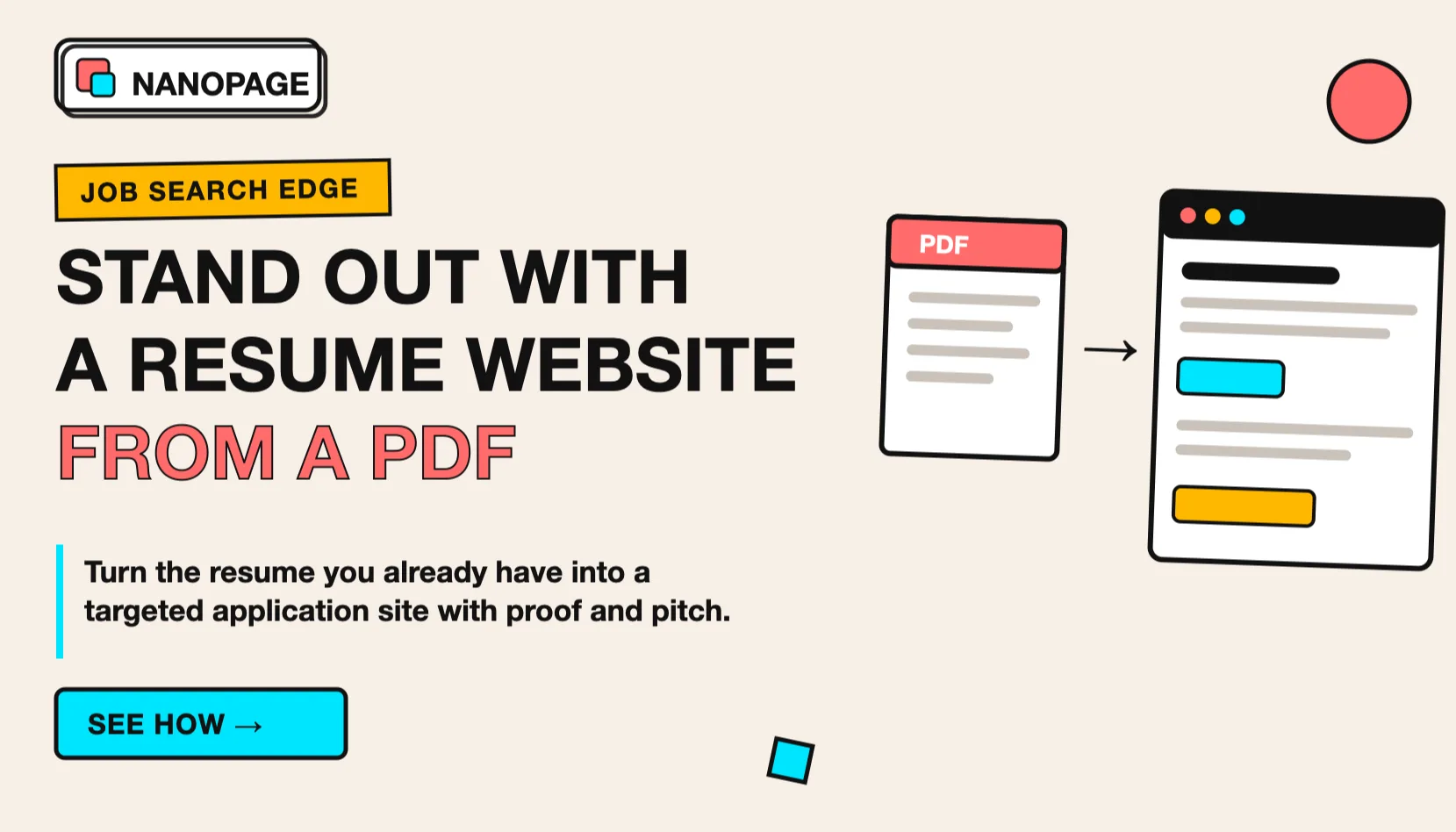
If you already have a PDF resume, Nanopage can use it as the source material for a resume website. The site can then organize the same information into a page that is easier to skim.
Add proof, not just claims
Claims are cheap. Proof is memorable.
Depending on your field, add:
- 2-3 selected projects.
- Screenshots or links to work.
- Before-and-after examples.
- Metrics you are allowed to share.
- Writing samples.
- GitHub repositories.
- Design case studies.
- Testimonials.
- Sales results.
- Process examples.
- Certifications.
For a targeted application page, choose proof that matches the role.
If you are applying for a customer success role, do not lead with every project you have ever done. Lead with onboarding, retention, communication, process, and customer outcomes.
If you are applying for a design role, show 2-3 pieces of work with context: problem, role, result.
If you are applying for an engineering role, link to relevant code, products, technical writing, or systems you helped ship.
Use the PDF as a starting point
You do not need to write the page from scratch.
Start with your existing resume PDF, then add company-specific context.
Prepare these files:
- Resume PDF.
- Headshot, optional.
- Portfolio screenshots or links.
- LinkedIn URL.
- GitHub, writing, or project links if relevant.
- The job description.
- A short note about why you want the role.
Before uploading the PDF, check:
- The text can be selected and copied.
- Your email and links are current.
- Dates are consistent.
- Old private details are removed.
- The file name is professional, such as
john-smith-resume.pdf.
If your PDF includes a home address, references, or private client information, remove those before publishing a public page.
Copy-paste prompt for a targeted application page
Use this prompt with Nanopage or another AI website builder.
Build a clean, professional application website from my uploaded PDF resume.

Page goal:
This page is for my application to [Company Name] for the [Role Title] position.

Main headline:
[Your Name] for [Company Name]

Subheadline:
[Your role/title] applying for the [Role Title] role.

Use the PDF resume as the source of truth for:
- Work experience
- Dates
- Skills
- Education
- Certifications
- Contact details

Also include these sections:
- Short cover letter
- Why I am interested in [Company Name]
- How I can help in this role
- Relevant experience
- Selected proof or projects
- Skills
- Education
- Download resume
- Contact

Cover letter notes:
[Paste 4-8 sentences about why you are applying and why the role fits your background.]

How I can help:
[Paste 3-5 bullets based on the job description.]

Style:
Professional, clear, readable, and focused. No flashy effects. Make it easy for a recruiter or hiring manager to skim on desktop or mobile.

Privacy:
Do not publish my street address, references, salary history, or private client details.
Replace the bracketed parts before generating the page.
Example outline: John applying to Acme Ltd.
Here is what a strong page could look like.
Hero
John Smith for Acme Ltd.
Product designer applying for the Growth Design role
Email button, LinkedIn, PDF resume

Short cover letter
Why Acme, why this role, why now

How I can help Acme
3-5 bullets tied to the job description

Relevant experience
2-3 roles with the most relevant achievements

Selected proof
Projects, case studies, metrics, screenshots, links

Skills
Grouped skills that match the job posting

Resume details
Education, certifications, tools, additional work history

Contact
Email, LinkedIn, portfolio, PDF download
This does not need to be long. A focused one-page site can be enough.
How to send it
Do not make the website the only thing you send. Use it alongside the normal application materials.
Good places to include the link:
- Resume header.
- Cover letter.
- LinkedIn featured section.
- Email to a recruiter.
- Follow-up message after applying.
- Portfolio or personal site.
Example email line:
I also made a short page for this application that explains why I am interested in Acme and how my background connects to the role: [link]That sentence is simple, direct, and not pushy.
Keep it professional
Standing out does not mean being gimmicky.
Avoid:
- Overly casual jokes.
- Fake urgency.
- Long personal essays.
- Aggressive sales language.
- Too many animations.
- Huge walls of text.
- Claims you cannot support.
- Pretending to know the company's internal problems.
Use a calm tone. Show that you did your homework. Make the reader's job easier.
SEO and privacy basics
If the page is public, it may show up when someone searches your name.
That can be good if the page is polished.
Use a page title like:
John Smith for Acme Ltd. - Product DesignerOr, for a general version:
John Smith - Product DesignerUse a clear description:
John Smith is a product designer applying for Acme's Growth Design role, with experience in onboarding, activation, research, and design systems.Keep private details off the page:
- Street address.
- Personal phone number if you do not want calls.
- References and their contact information.
- Confidential project names.
- Internal company data.
- Salary history.
If you are making a page for one specific company, you can keep the URL private and share it only with that company. If you want a broader public page, create a general resume link or portfolio website.
Launch checklist
Before sharing the page, check:
- The company name is spelled correctly.
- The role title matches the job posting.
- The cover letter section is specific, not generic.
- "How I can help" connects to the role.
- Resume details match the PDF.
- Email link works.
- PDF download works.
- LinkedIn and portfolio links work.
- Mobile layout is readable.
- No private details are visible.
- The page has one clear call to action.
Then send it with your normal application.
The point
Most applicants will keep sending only a PDF.
You can do that too, but you can also add a small, targeted website that says:
- I understand this role.
- I understand your company.
- I can explain how I would help.
- Here is the proof.
- Here is the resume if you need the standard format.
That extra effort can make you easier to remember.
Nanopage is built for this kind of focused page. Upload your resume PDF, add a company-specific prompt, and turn it into a hosted resume website you can share with the role you are targeting.
If your starting point is a document, the same process also works for a broader PDF to website page.