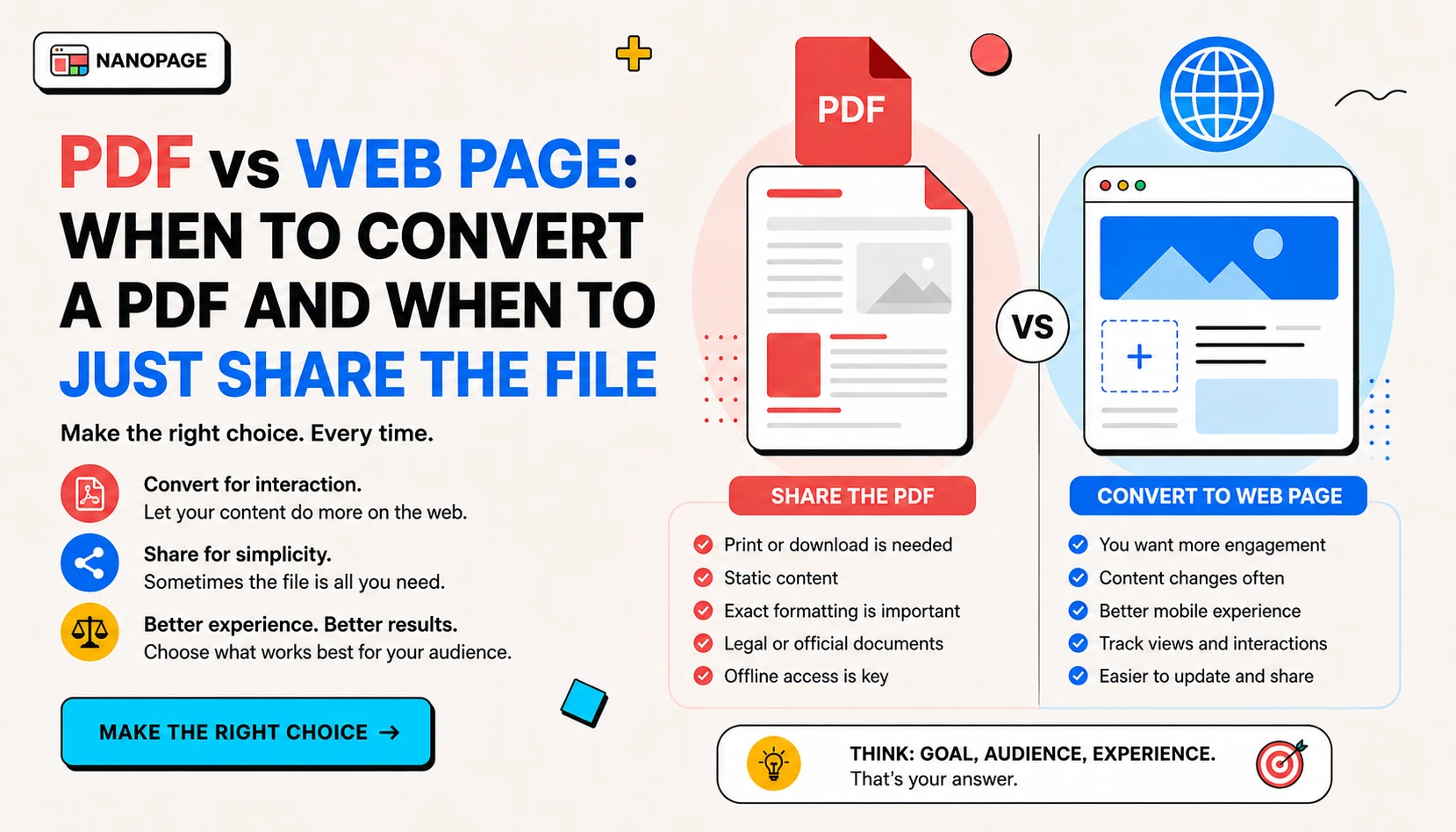
PDFs are useful when a document needs to preserve its layout. They are less useful when the reader is on a phone, searching for one fact, or trying to take action quickly.
That does not mean every PDF should be converted into a web page. Some PDFs should stay PDFs. Some should become proper web pages. Many should be both: a readable page for quick scanning and a download link for people who need the original file.
This guide explains how to choose.
The simple rule
Turn the PDF into a web page when the content should be read, found, skimmed, linked, or acted on.
Keep the PDF as a file when the exact document matters.
Use both when people need a mobile-friendly version and the original file.
When a PDF should become a web page
Convert the PDF into a web page if the document is public, useful, and likely to be opened on a phone.
Good candidates:
- Restaurant menus
- Service brochures
- Event flyers
- Course guides
- Product sheets
- Resumes
- Lookbooks
- Pitch summaries
- Program details
- School or community notices
- Real estate brochures
A web page is usually better when the reader wants one answer quickly: hours, price, location, deadline, menu item, date, RSVP link, download button, contact email, or service area.
When a PDF should stay a PDF
Keep the PDF as a downloadable file when the original format is the point.
Good candidates:
- Signed documents
- Legal forms
- Printable worksheets
- Official notices
- Certificates
- Designed posters
- Scanned letters
- Reports where pagination matters
- Documents people must submit or archive
In these cases, the best page may be a clean public download page with context, a preview image, and one clear button.
When you should use both
Use both when the PDF contains useful information but the original file still matters.
Examples:
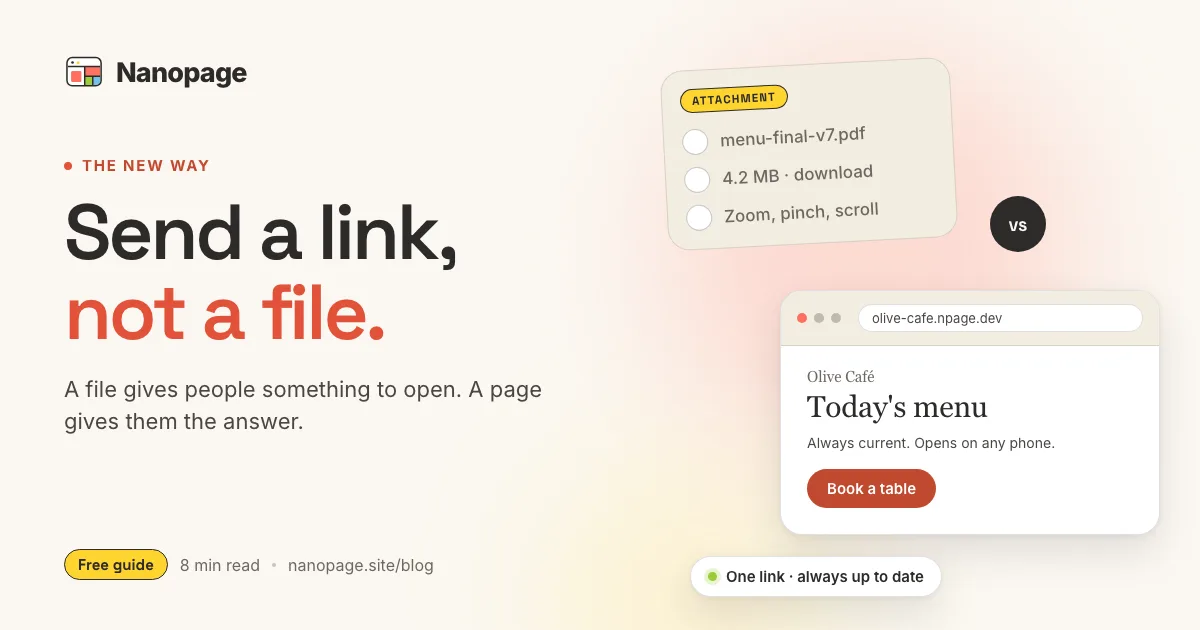
- A restaurant menu becomes a mobile menu page, with the original menu PDF linked below.
- A pitch deck becomes a short landing page, with the full deck available as a download.
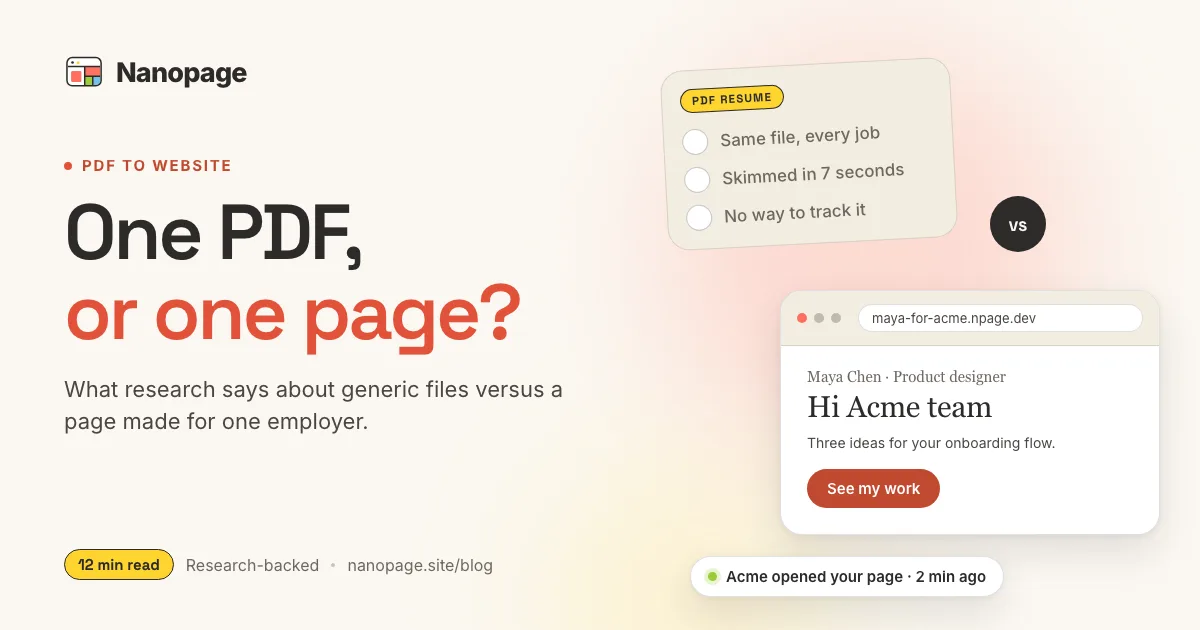
- A resume becomes an online profile, with the original PDF resume available for recruiters.
- A brochure becomes a scannable web page, with the designed brochure still downloadable.
- A school program flyer becomes a page with dates and application buttons, with the flyer attached.
This is often the best option because readers get speed and context, while still having the original file.
Decision checklist
Ask these questions before converting:
- Can people select and copy text from the PDF?
- Will readers open it mostly on phones?
- Does the page need to rank in search?
- Does the document contain dates, prices, contact details, or calls to action?
- Would the reader benefit from a shorter summary?
- Does the original design or signature need to stay intact?
- Is the material public?
If you answered yes to 1-5, convert it into a web page.
If you answered yes to 6, keep the PDF attached.
If you answered no to 7, do not publish it on a public website.
Text-based PDFs vs scanned PDFs
This matters a lot.
A text-based PDF has selectable text. You can highlight a sentence, copy it, and paste it somewhere else. AI website builders can usually extract this text and rebuild it as a page.
A scanned PDF is an image of text. You cannot select the words because the words are pixels. If there is no OCR step, the AI cannot reliably extract exact text from it.
Quick test:
- Open the PDF.
- Try to highlight one sentence.
- Copy and paste it into a text editor.
If the text pastes correctly, it is text-based. If not, treat it as a scanned PDF.
Nanopage can rebuild readable PDFs as web pages. For scanned PDFs, the better result is usually a clean public file page with a download link.
Common examples
Menu PDF
A menu PDF should usually become a menu website or menu PDF to website. Restaurant visitors want to scan categories, prices, hours, location, and reservation links without pinching and zooming.
Keep the original PDF if it has a designed print layout or if customers expect a download.
Brochure PDF
A brochure usually benefits from conversion. Brochure PDFs often contain sales copy, service descriptions, proof points, and contact details. A brochure website makes that content easier to read and easier to link.
Keep the PDF attached for people who want the original designed piece.
Resume PDF
A resume can become a resume website or resume link. The web version makes highlights, skills, and contact details easier to scan. The PDF should still be available for recruiters and applicant tracking systems.
Pitch deck
A pitch deck should not always be fully converted slide by slide. Often the best result is a concise pitch deck page: company summary, key points, contact CTA, and deck download.
Only publish fundraising material if it can be public at the URL.
Event flyer
Event flyers almost always benefit from a web page. People need date, time, location, RSVP, tickets, parking, schedule, and contact information. A flyer image can still appear on the page, but the facts should be written as text.
What to include when you upload a PDF
If you want the best result, upload the PDF plus a short note.
Turn this PDF into a mobile-friendly web page.

Important:
- Keep the original PDF available as a download.
- Make the date, price, location, and CTA easy to find.
- Use the photo on page one near the top.
- If any text is hard to extract, ask me to provide it.
If the PDF is scanned, use this instead:
Create a clean public download page for this PDF.

Add a short summary above the download button:
- Title:
- Who it is for:
- Why someone should download it:
- Contact:
SEO difference: PDF vs page
Search engines can index some PDFs, but a well-structured web page is usually better for public marketing content.
A web page can have:
- A clear title and meta description
- Headings that match search intent
- Internal links to related pages
- Calls to action
- Responsive layout
- Faster mobile reading
- Structured content around the file
If your PDF is a public asset meant to bring in readers or customers, turn the useful parts into HTML and keep the file as a backup download.
The short version
Use this rule:
- Convert it when people need to read it.
- Host it when people need the original file.
- Do both when people need speed and a download.
Nanopage supports all three paths: convert a PDF to a website, upload a PDF, share a PDF link, or host a PDF online.