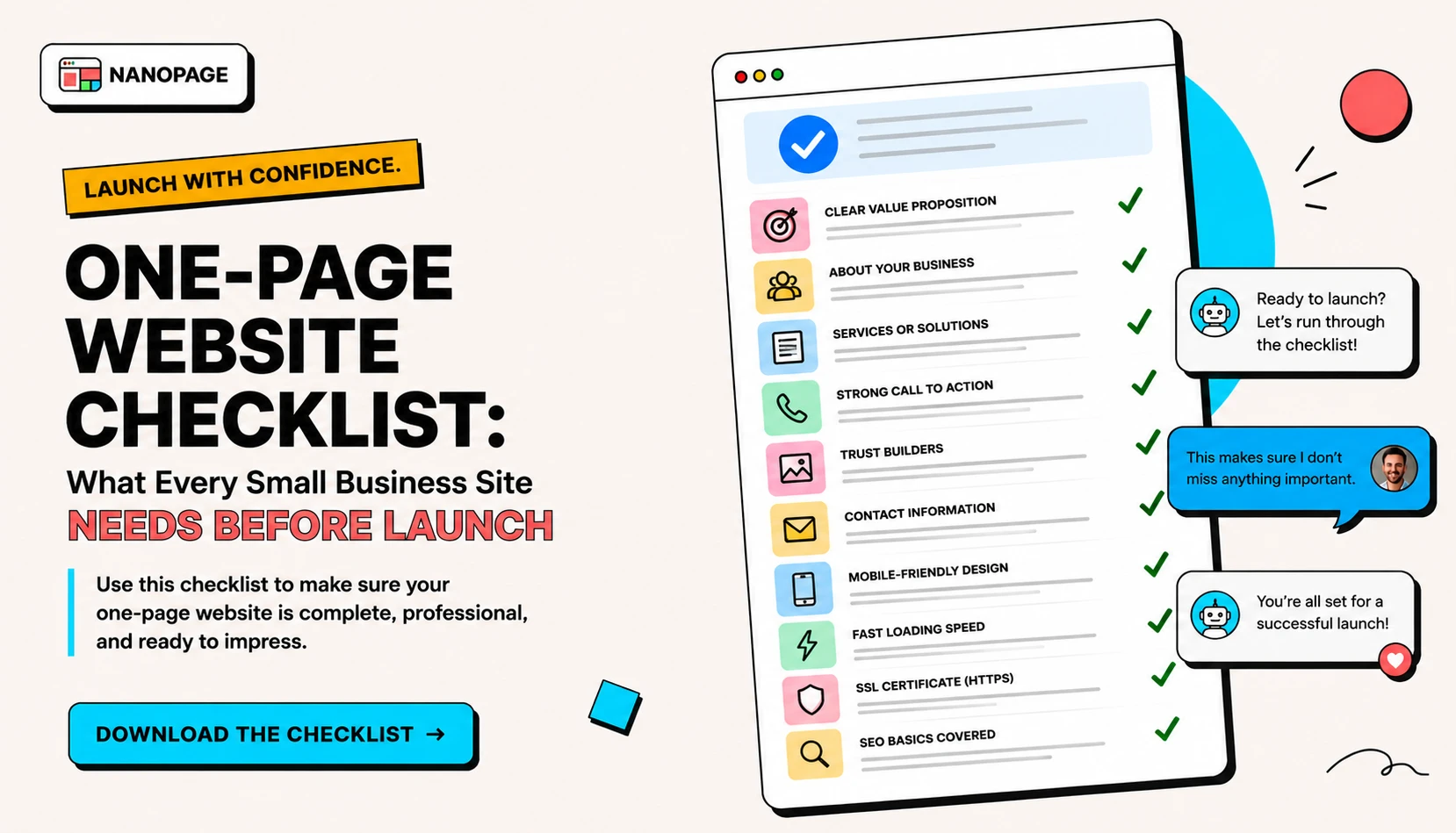
A one-page website can be enough for many small businesses. It can show what you do, who you serve, where you work, what it costs, why people should trust you, and how to contact you.
The problem is not page count. The problem is missing information.
Before you launch a one-page website, use this checklist.
1. Clear headline
The headline should answer the visitor's first question:
"Am I in the right place?"
Weak:
Quality service you can trustBetter:
Residential house cleaning in East AustinWeak:
Bring your vision to lifeBetter:
Brand photography for independent restaurantsThe best homepage headline is usually plain. Say what you are, who you help, and where or how you help.
2. Short supporting description
Use one or two sentences below the headline.
Good supporting copy explains:
- What you offer.
- Who it is for.
- What makes it different.
- What the visitor should do next.
Example:
Solo residential cleaner serving Mueller, Hyde Park, and East Austin. Weekly, biweekly, deep-clean, and move-out cleaning with clear prices and text-based quotes.That is better than a long paragraph about passion and excellence.
3. Primary call to action
Every one-page site needs one main action.
Common CTAs:
- Call now
- Request a quote
- Book a consultation
- View menu
- Reserve a table
- RSVP
- Download resume
- See portfolio
- Apply now
- Email me
- Get directions
Put the CTA near the top and repeat it later.
If you use an external tool like Calendly, OpenTable, Google Forms, Typeform, Eventbrite, Stripe, Gumroad, DoorDash, or Mailchimp, link directly to it.
4. Contact details
Make contact information obvious.
Include what applies:
- Phone number
- Address
- Service area
- Booking link
- Contact form link
- Social profile
- Map link
- Emergency contact instructions
Do not put contact details only in an image. Write them as text so people can tap, copy, and search.
5. Services or offer
Visitors need to know what you actually do.
For service businesses, list services clearly:
- Drain cleaning
- Faucet repair
- Water heater replacement
- Emergency plumbing
- Bathroom remodel plumbing
For creative work, list offer types:
- Brand identity
- Website art direction
- Product photography
- Editorial campaigns
For events, list what the page covers:
- Schedule
- Venue
- Tickets
- Travel
- RSVP
For restaurants, show menu categories and highlights.
Nanopage has specific pages for common cases like restaurant websites, salon websites, photographer websites, consultant websites, and trade websites.
6. Prices or price guidance
You do not always need exact prices, but visitors need some pricing signal.
Options:
- Exact prices
- "From" prices
- Package ranges
- Hourly rates
- "Custom quote after consultation"
- Minimum project size
- What affects price
Examples:
Standard cleaning from $120
Deep cleaning from $220
Move-out cleaning from $280
Brand photography projects usually start at $1,500.Emergency plumbing pricing depends on time, distance, and parts. Call for availability.Pricing helps filter the right visitors. It also reduces low-quality inquiries.
7. Location or service area
Local businesses should say where they work.
Examples:
- Serving Austin, Round Rock, and Cedar Park.
- Located in downtown Portland near Pioneer Square.
- Mobile grooming across North Seattle.
- Wedding photographer based in Chicago, available throughout the Midwest.
Location helps both readers and local search intent.
8. Hours and availability
Add hours when they matter.
Examples:
- Restaurant hours
- Shop hours
- Appointment hours
- Emergency availability
- Seasonal availability
- Event date and time
- Application deadline
If hours change often, say how people should confirm them.
9. Photos or visuals
Use real images whenever possible.
Good image candidates:
- Storefront
- Team
- Owner portrait
- Food
- Finished project
- Before and after
- Event venue
- Product
- Portfolio work
- Property photos
- Menu scan or flyer
Avoid generic stock images if visitors need to trust the actual business.
For portfolios, real estate listings, restaurants, salons, photographers, and trades, photos are not decoration. They are proof.
10. Proof and trust
Add evidence that you are real and worth contacting.
Useful proof:
- Reviews
- Testimonials
- Licenses
- Insurance
- Certifications
- Years of experience
- Past clients
- Press
- Portfolio examples
- Before and after photos
- Case studies
- Memberships
- Guarantees
Example:
Licensed and insured. 12 years serving residential HVAC customers in Travis County.Example:
"Fast, careful, and clear about pricing." - Maya R.Specific proof beats vague trust language.
11. FAQs
FAQs are useful when visitors usually ask the same questions before contacting you.
Good FAQ topics:
- What areas do you serve?
- How do quotes work?
- Do you offer emergency service?
- Is a deposit required?
- What should I prepare?
- Can I reschedule?
- Are you licensed and insured?
- Do you work with commercial clients?
- Do you offer online appointments?
- What is included?
FAQs also help the page include natural language around common search questions.
12. Links that work
Click every link before launch.
Check:
- Phone links
- Email links
- Booking links
- Form links
- Social links
- Menu download
- Resume download
- PDF download
- Map link
- Payment link
- RSVP link
Broken CTAs waste the whole page.
13. Mobile scan
Most visitors will see the page on a phone.
Check the page on mobile:
- Can you read the headline without zooming?
- Is the CTA visible early?
- Are phone numbers tappable?
- Are images cropped reasonably?
- Is the menu easy to scan?
- Are prices readable?
- Does text overlap?
- Are buttons large enough to tap?
- Does the page load quickly?
If the site works on mobile, it usually works on desktop. The reverse is not always true.
14. Basic SEO
For a simple one-page site, do the basics:
- Page title says what the site is.
- Meta description explains the offer.
- H1 includes the core topic.
- Important details are written as text.
- Images have descriptive alt text.
- The page has a custom domain if possible.
- Related pages link to it.
- Contact and location details are visible.
Do not stuff keywords. Write useful details clearly.
Examples:
- "Residential Cleaning in Austin - Rosa Vale Cleaning"
- "Wedding Photographer in Chicago - Elena Marsh"
- "Single Property Website for 36 Vine Street"
- "Restaurant Menu and Reservations - Marisol Cafe"
15. Update path
Before launch, decide how updates will happen.
Common updates:
- New prices
- New photos
- Seasonal hours
- Updated menu
- New event schedule
- New resume
- New property status
- New service area
- New PDF
- New testimonial
If a site is hard to update, it gets stale. Nanopage lets you update generated sites by chatting with AI or changing content in the site workspace.
Copy-paste one-page website checklist
Use this when preparing your content:
# One-page website checklist

Name:
Short description:
Audience:
Main CTA:
Phone:
Email:
Address:
Service area:
Hours:

Services or offer:
-
-
-

Prices or price guidance:
-
-
-

Proof:
-
-
-

FAQs:
-
-
-

Links:
-
-
-

Photos uploaded:
-
-
-

Style notes:
The short version
A one-page website should answer:
- What is this?
- Is it for me?
- Where is it?
- What does it cost?
- Can I trust it?
- What do I do next?
If your page answers those questions, it is already ahead of many small business websites. Start with the content guide, browse use cases, or build a site with Nanopage from the files you already have.