A restaurant website does not need to be complicated.
Most visitors open it because they want one answer quickly:
- Are you open?
- Where are you?
- What is on the menu?
- How much does it cost?
- Can I book a table?
- Can I order online?
- Is this the right place for tonight?
If your website answers those questions clearly on a phone, it is already doing the main job.
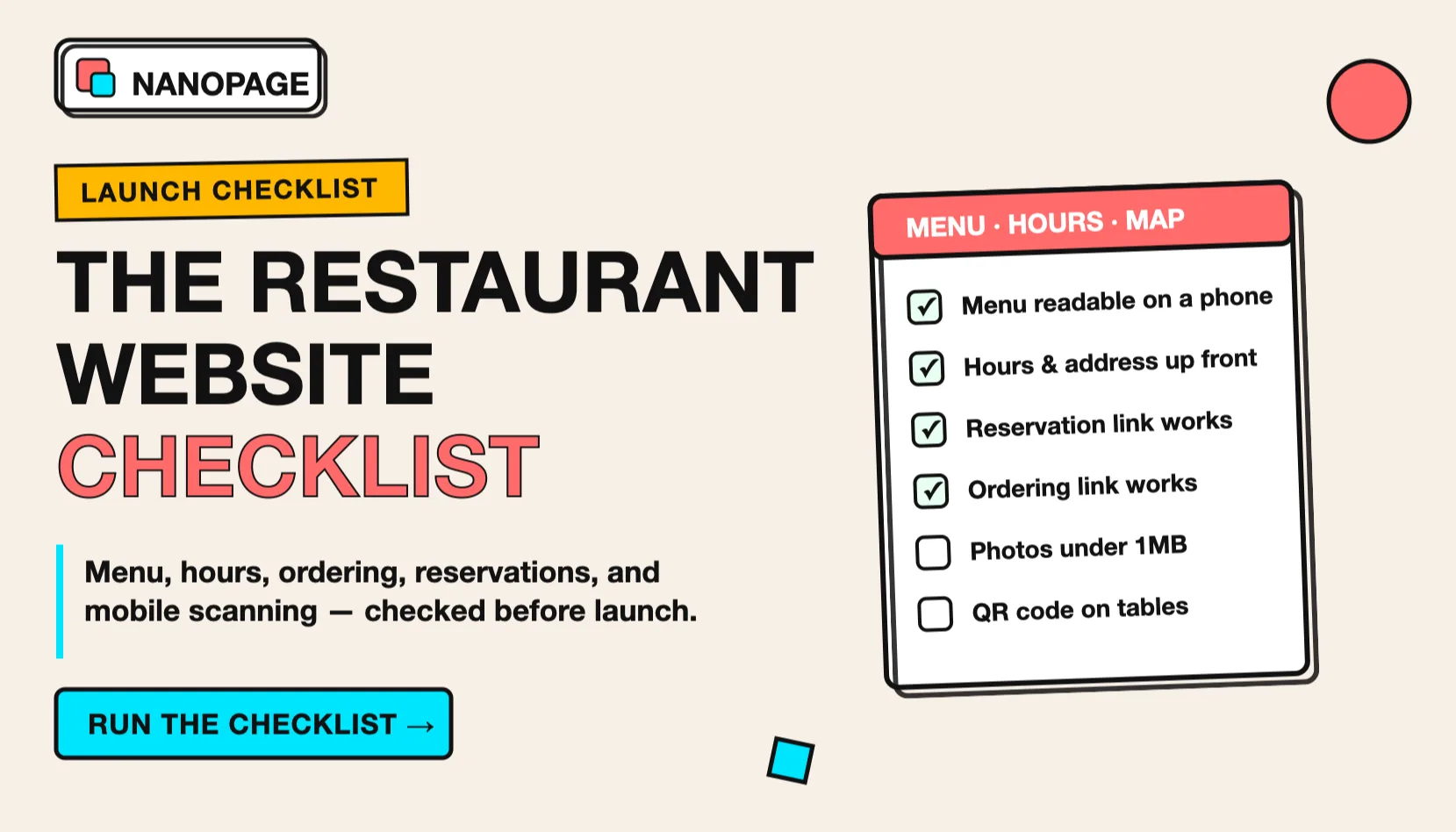
Use this checklist before you launch or rebuild a restaurant website.
1. Restaurant name and plain description
The top of the page should make the restaurant obvious.
Include:
- Restaurant name
- Type of food
- Neighborhood or city
- One short reason to care
Weak:
An elevated culinary experienceBetter:
Wood-fired pizza and natural wine in East NashvilleBetter:
Family-run Thai restaurant serving lunch, dinner, and takeout in QueensPeople should know what kind of place it is before they scroll.
2. Current menu as real text
The menu is usually the most important part of a restaurant website.
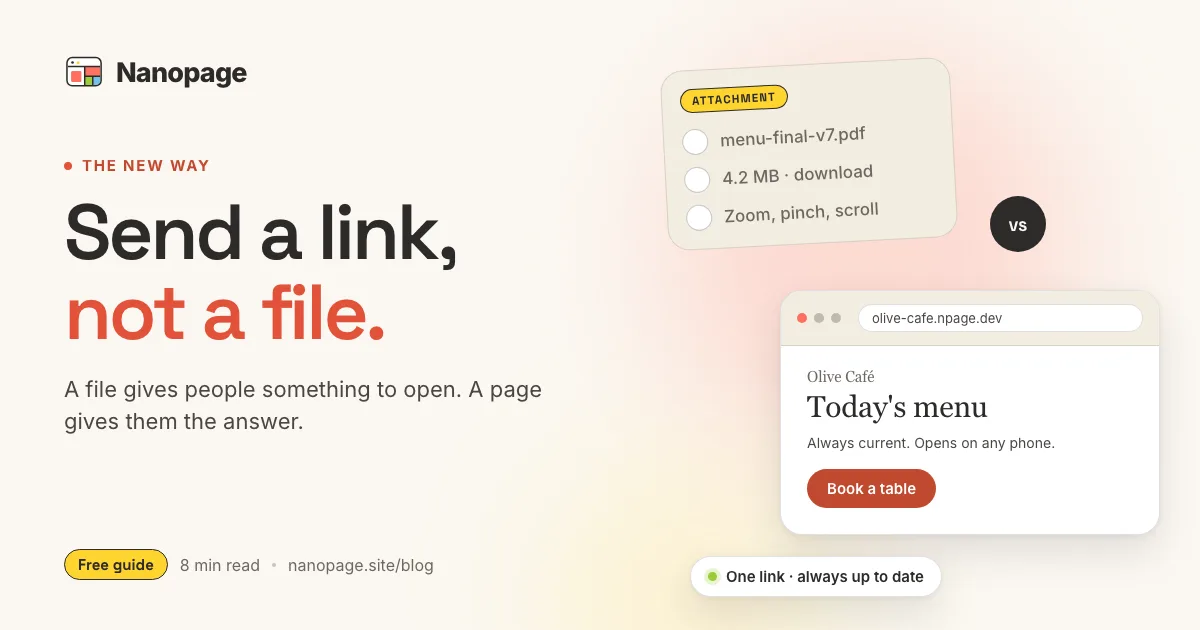
Put the menu on the page as readable text, not only inside an image or PDF. A customer on a phone should be able to scan categories, prices, allergens, and popular items without pinching and zooming.
Useful menu sections:
- Starters
- Mains
- Desserts
- Drinks
- Wine or cocktails
- Kids menu
- Brunch
- Lunch specials
- Takeout bundles
- Catering trays
For each item, include the name, short description, and price.
Example:
Spicy Rigatoni - $18
Tomato vodka sauce, Calabrian chili, parmesan, basil.
If prices change often, say that clearly:
Menu and prices may change seasonally. Call to confirm today's specials.But do not hide all prices unless you have a good reason. Prices help customers decide faster.
3. Original menu PDF as a backup
A PDF menu can still be useful.
Use both when possible:
- Web menu for mobile reading.
- PDF menu for people who want the original file.
This is especially useful when the printed menu has a designed layout, wine list, catering packet, private dining packet, or event menu.
If your current menu is only a PDF, convert the important parts into a menu website and keep the original file linked below the menu.
For the broader decision, read PDF vs Web Page.
4. Hours that are easy to trust
Restaurant hours are fragile. They change for holidays, private events, staffing, weather, and seasonal schedules.
Show:
- Regular hours by day.
- Kitchen hours if different from bar hours.
- Brunch hours.
- Happy hour.
- Holiday closures.
- Last seating or last call if relevant.
Example:
Monday: Closed
Tuesday-Thursday: 5:00 PM - 10:00 PM
Friday-Saturday: 5:00 PM - 11:00 PM
Sunday brunch: 10:00 AM - 2:00 PM
Sunday dinner: 5:00 PM - 9:00 PM
If hours change often, add a line:
For holiday hours and same-day updates, check Instagram or call before visiting.Do not make visitors hunt through social media for normal hours. Social media should confirm details, not replace the website.
5. Address, map, parking, and transit
Put the address near the top and again near the bottom.
Include:
- Full street address.
- Neighborhood or landmark.
- Map link.
- Parking notes.
- Public transit notes.
- Accessibility entrance details.
Example:
214 Maple Street, Portland, OR
Two blocks from the Hawthorne stop. Street parking on Maple and 12th. Step-free entrance on Maple.
This matters because restaurant visits are physical decisions. The website should remove uncertainty before someone leaves the house.
6. One main call to action
Choose the main thing you want visitors to do.
Common restaurant CTAs:
- Reserve a table
- Order online
- Call now
- View menu
- Get directions
- Book private dining
- Buy a gift card
Put the main action near the top.
If you use OpenTable, Resy, Tock, Toast, Square, DoorDash, Uber Eats, Grubhub, ChowNow, SevenRooms, or another system, link directly to the exact booking or ordering page.
Do not send visitors to a generic profile where they have to search again.
7. Reservations, waitlist, and walk-in policy
If people can book, tell them how.
Include:
- Reservation link.
- Party size limits.
- Same-day availability.
- Walk-in policy.
- Waitlist details.
- Private dining contact.
- Cancellation rules if important.
Examples:
Reservations available for parties of 1-6 through Resy.Walk-ins welcome at the bar. For parties over 8, email events@example.com.Weekend brunch is first come, first served.This reduces phone calls that only ask how the seating process works.
8. Online ordering and delivery links
If you offer takeout or delivery, make the path direct.
Include:
- Pickup ordering link.
- Delivery links.
- Phone ordering instructions.
- Pickup window.
- Delivery radius if you handle delivery yourself.
- Cutoff times.
- Catering order instructions.
Label each link clearly:
- Order pickup
- Order delivery
- Catering inquiry
- Call to order
If third-party delivery menus have different prices, say so. It is better to be clear than to surprise people at checkout.
9. Photos that show the actual place
Restaurant photos should answer real questions.
Good photos:
- Exterior or storefront.
- Interior seating.
- Food closeups.
- Drinks.
- Bar or counter.
- Patio.
- Private dining room.
- Owner or team.
- Popular dishes.
Avoid using only tight food photos. A guest also wants to know whether the restaurant feels casual, romantic, loud, kid-friendly, polished, tiny, sunny, or late-night.
Use photos that match the decision:
- Date night: room, lighting, cocktails, desserts.
- Lunch spot: storefront, counter, menu boards, fast items.
- Family restaurant: seating, kid-friendly dishes, high chairs if relevant.
- Fine dining: dining room, plating, wine, private events.
10. Dietary, allergy, and accessibility details
Guests often need to know whether the restaurant can work for them.
Add what applies:
- Vegetarian options.
- Vegan options.
- Gluten-free options.
- Nut allergy notes.
- Halal or kosher notes.
- Dairy-free options.
- Kids menu.
- Wheelchair access.
- Step-free entrance.
- Accessible restroom.
Do not overpromise. If cross-contamination is possible, say that clearly.
Example:
Vegetarian and gluten-free options available. Our kitchen handles wheat, dairy, shellfish, and nuts, so we cannot guarantee an allergen-free environment.For many guests, this information decides whether they can visit at all.
11. Events, catering, and private dining
If the restaurant does events, give that offer its own section.
Include:
- Private dining room capacity.
- Buyout availability.
- Catering trays.
- Corporate lunch orders.
- Wedding or rehearsal dinner options.
- Minimum spend if you publish it.
- Inquiry email or form.
- Response time.
Example:
Private dining for up to 24 guests. Full restaurant buyouts available Sunday-Thursday. Email events@example.com with date, guest count, and budget.This section can bring higher-value inquiries than normal table bookings.
12. Reviews, press, and trust signals
Add proof, but keep it useful.
Good proof:
- A short review quote.
- Local press mention.
- Award.
- Years open.
- Chef or owner background.
- Neighborhood history.
- Health or safety notes if relevant.
Example:
"Best neighborhood pasta night" - City WeeklyExample:
Family-owned since 1998.Do not paste a wall of reviews. Two or three strong proof points are enough for a simple restaurant website.
13. Social links without making social media the website
Social profiles are useful for updates, photos, and announcements.
Add links to:
- TikTok
- Google Business Profile
- Yelp
But keep the core facts on the website.
The website should own the stable information:
- Menu
- Hours
- Address
- Booking link
- Ordering link
- Contact
Social media can handle daily specials and personality. It should not be the only place customers can find basic details.
14. Mobile scan test
Most restaurant visitors are on a phone.
Before launch, open the site on a phone and test this path:
- Find the menu.
- Find today's hours.
- Tap directions.
- Tap reserve or order.
- Read item names and prices without zooming.
- Check that photos load quickly.
- Confirm phone and email links work.
- Confirm PDF links open if you include a PDF.
If any of those steps feels slow, fix it before worrying about extra pages or fancy design.
15. Basic restaurant SEO
A restaurant website should help people find you by name, cuisine, and location.
Use clear phrases in the page:
- Restaurant name.
- Cuisine.
- Neighborhood.
- City.
- Menu terms.
- Brunch, lunch, dinner, takeout, delivery, catering, private dining if relevant.
Example title:
Marisol Cafe - Brunch, Coffee, and Pastries in LisbonExample description:
Marisol Cafe is a neighborhood cafe in Lisbon serving specialty coffee, pastries, brunch, and seasonal lunch. View the menu, hours, address, and reservation details.Also keep your Google Business Profile updated. The website and business profile should agree on hours, address, phone number, and ordering links.
Copy-paste restaurant website checklist
Use this when preparing a restaurant site:
# Restaurant website checklist

Restaurant name:
Cuisine:
Short description:
Neighborhood/city:

Address:
Map link:
Parking/transit notes:
Accessibility notes:

Hours:
Kitchen hours:
Holiday or seasonal notes:

Menu sections:
- Starters:
- Mains:
- Desserts:
- Drinks:
- Specials:

For each menu item:
- Name
- Description
- Price
- Dietary notes

Primary action:
- Reserve
- Order online
- Call
- Get directions

Reservation policy:
Ordering/delivery links:
Private dining or catering:
Phone:
Email:
Instagram:
Google Business Profile:

Photos to include:
- Exterior
- Interior
- Food
- Drinks
- Team
- Patio/private dining if relevant

PDFs to include:
- Current menu PDF
- Catering PDF
- Private dining packet
Prompt for an AI restaurant website builder
If you are using Nanopage, upload your menu, photos, and any PDFs, then use a prompt like this:
Build a mobile-friendly restaurant website for [restaurant name] in [city/neighborhood].

Use the uploaded menu as the main content. Turn it into readable web sections with item names, descriptions, prices, and dietary notes.

Keep the original menu PDF available as a download.

Make these details easy to find:
- Hours
- Address and map link
- Reservations
- Online ordering
- Phone number
- Dietary notes
- Private dining or catering

Use real photos from the uploaded files. The page should feel like the actual restaurant, not a generic food template.
Replace the bracketed parts, attach the files, and generate the first version. Then open it on your phone and run the mobile scan test above.
The short version
A good restaurant website does not need many pages.
It needs:
- A readable menu.
- Current hours.
- Address and directions.
- Reservation or ordering links.
- Real photos.
- Clear dietary and accessibility notes.
- A fast mobile experience.
Start with those. Add private dining, catering, press, and extra story only after the basic customer questions are answered.
Nanopage can turn a menu, PDF, photos, and a short brief into a hosted restaurant website. If your menu is still a file, start with menu PDF to website or read the broader PDF vs Web Page guide.