

News & blogs
Publish announcements, stories, and articles with their own URLs.
Start with a description and any content you have. We'll turn it into a live website in 3-5 minutes, then you can edit everything by chat.
Preview your first build free. Plans from $19/year.


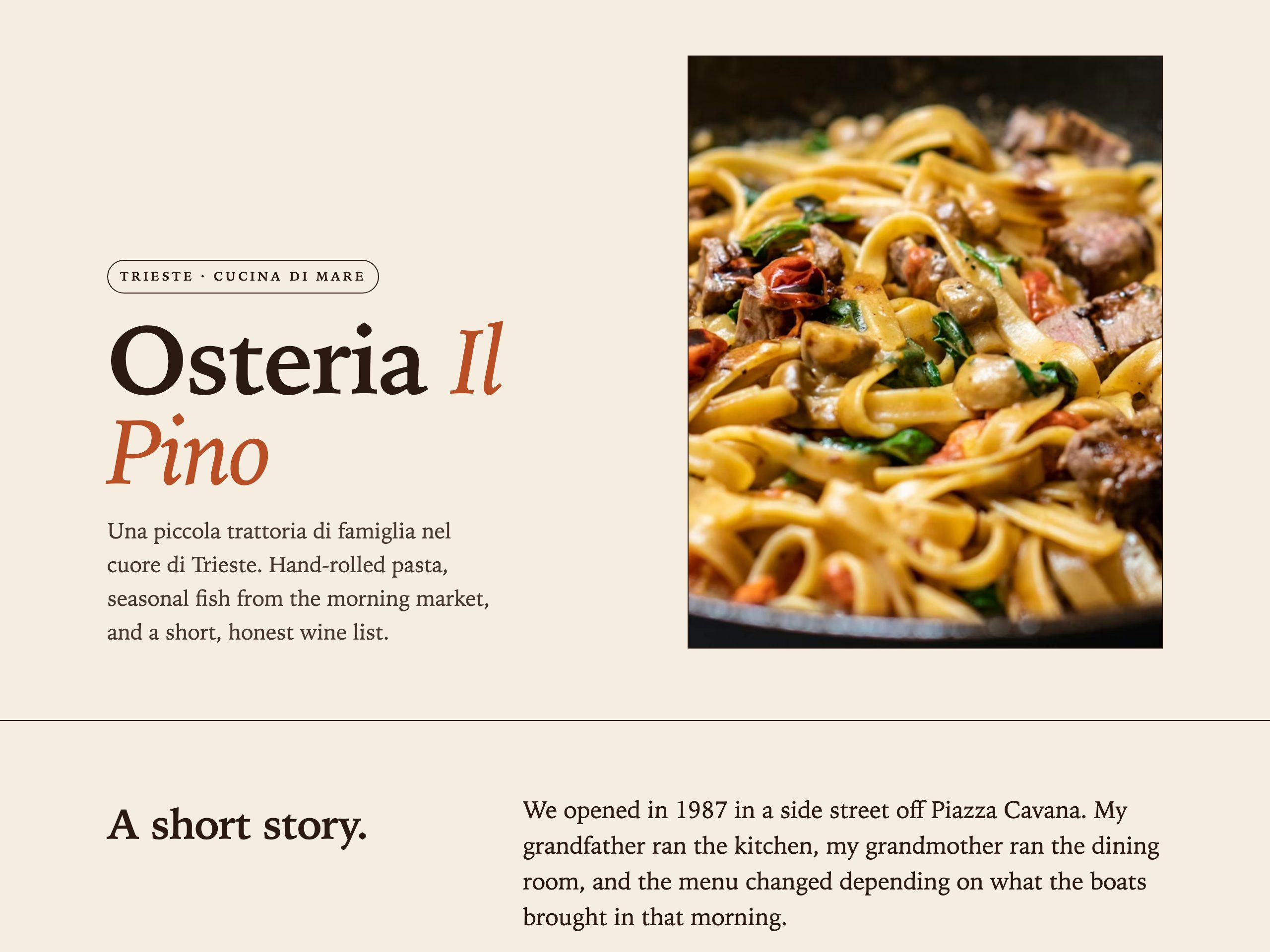
“A site for our family trattoria in Trieste — show the menu and the hours.”
Your business. Your style. Your own corner of the internet.
Swipe to exploreNanopage is off-the-shelf, not custom carpentry. Here's where that wins, and where it doesn't.
Want a hand-crafted brand site with a design system and a backend team? Hire an agency. Honestly.
Tap any to see how Nanopage handles your case.
Photo of the menu. Photos of the food. You're live.
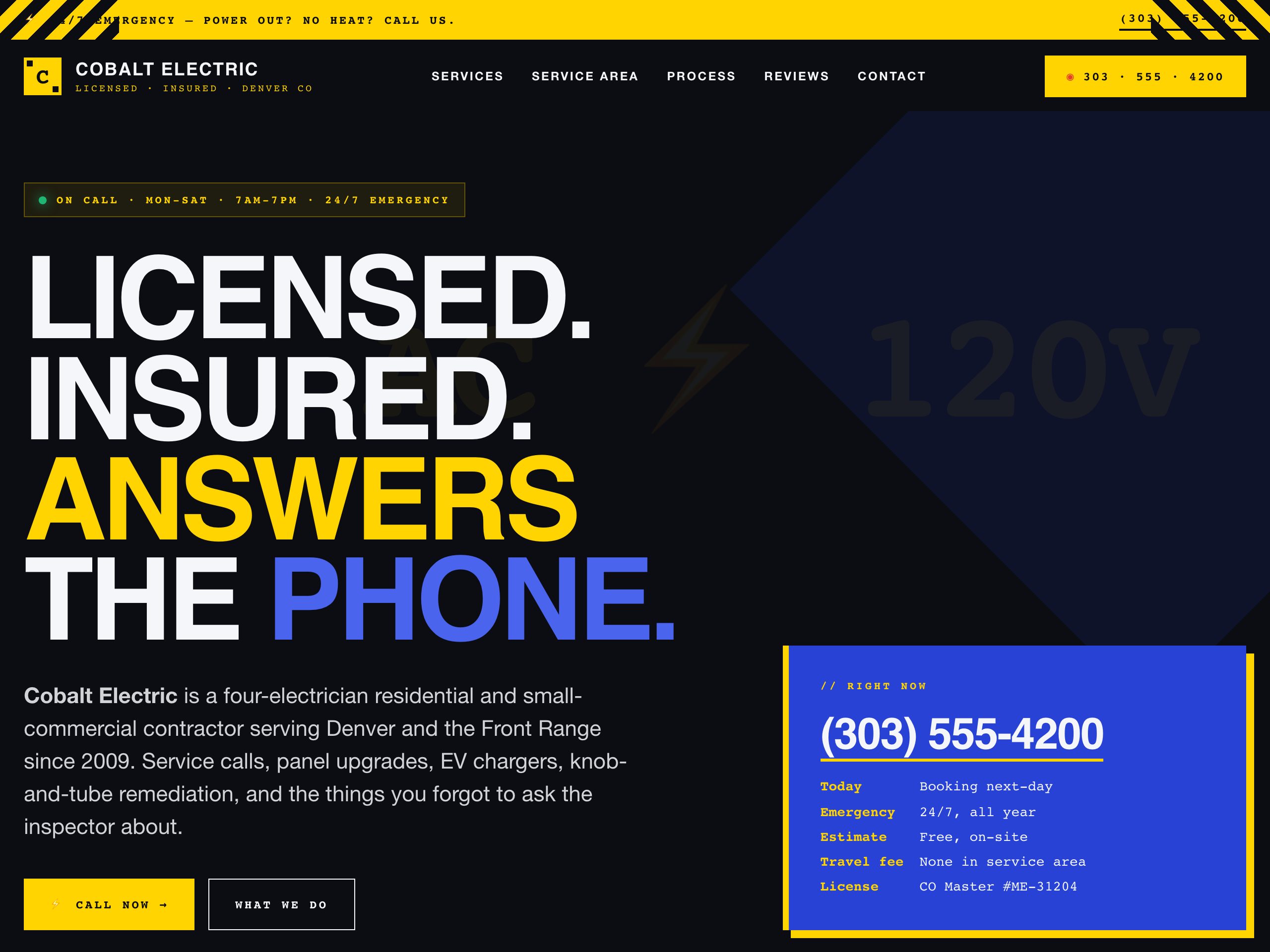
Services, service area, tap-to-call. Online tonight.
Licensed, insured, phone-first. The page customers expect when they Google you.
10 photos + the listing description. One URL per home.
Drop the invite. Add the date. Send one link to everyone.
Brands serviced, hours, and services. Built to rank for every make you work on.
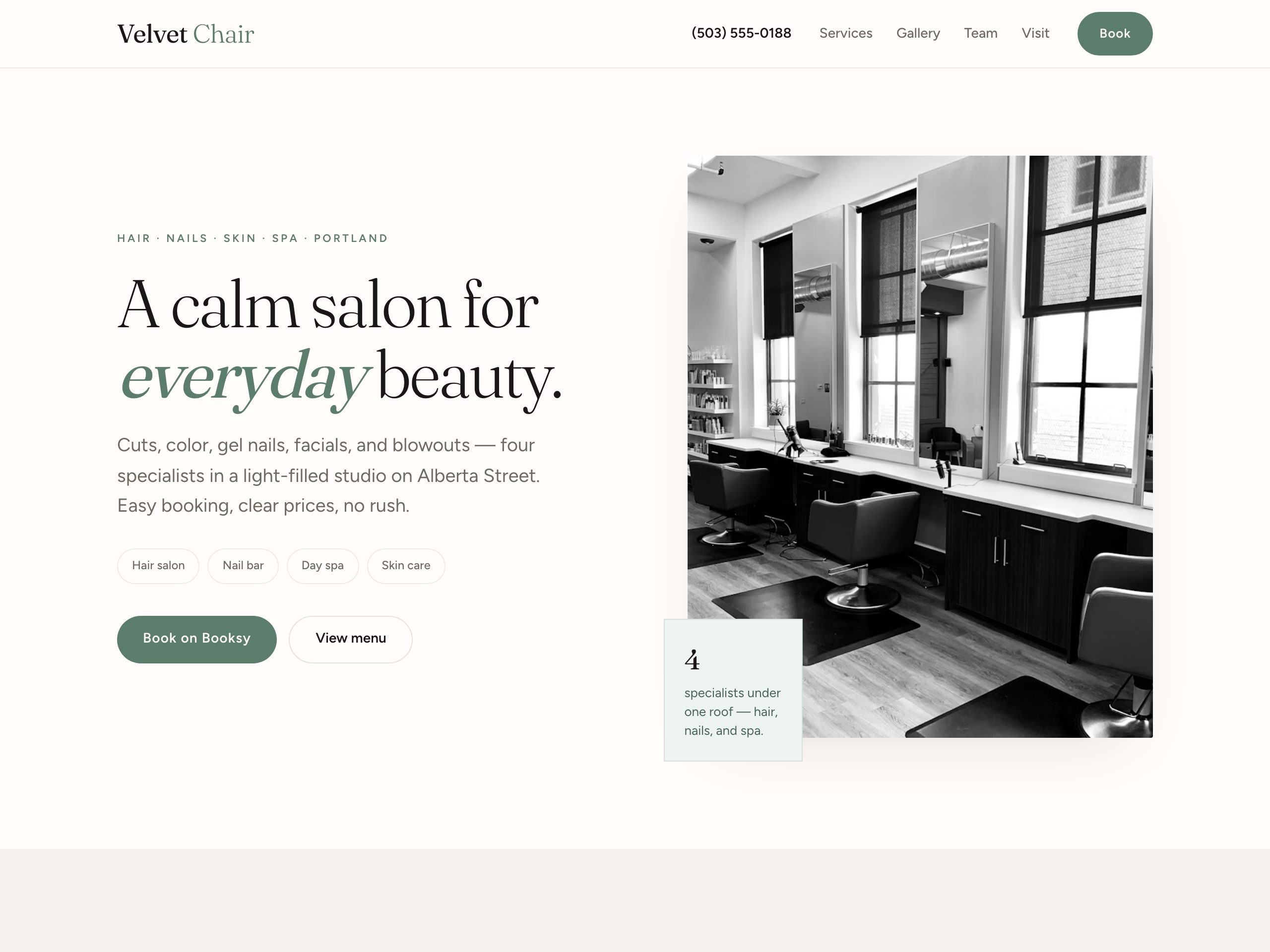
Long services list, service area, phone CTA. Less than two coffees a year.
Your work, big and clean. Live this evening.
A real URL to send instead of an email attachment.
Any PDF, rebuilt as a real, shareable web page.
Publish updates and collect enquiries without rebuilding your site or paying for another tool.
Set up news, products, events, or any repeatable section once. Then manage every entry from the Content tab — your simple, built-in CMS. No AI change needed.
Publish announcements, stories, and articles with their own URLs.
Keep catalogs, menus, schedules, properties, and directories current.
Update repeating sections without asking the AI to rebuild them.
Receive contact, booking, quote, and enquiry submissions inside Nanopage.
Page views, unique visitors, top pages, referrers, and countries — cookieless, server-side, and right in your dashboard.
“Make the header red.” “Add a contact form.” “Replace the menu with the new PDF I just uploaded.” The AI rebuilds it.
An agency takes weeks. A site builder takes a weekend you don't have. Nanopage takes one cup of coffee.
Each of these started as one prompt and a handful of files — not a design brief.
Prompt“Build a website for a small family-run Italian trattoria in Trieste.”
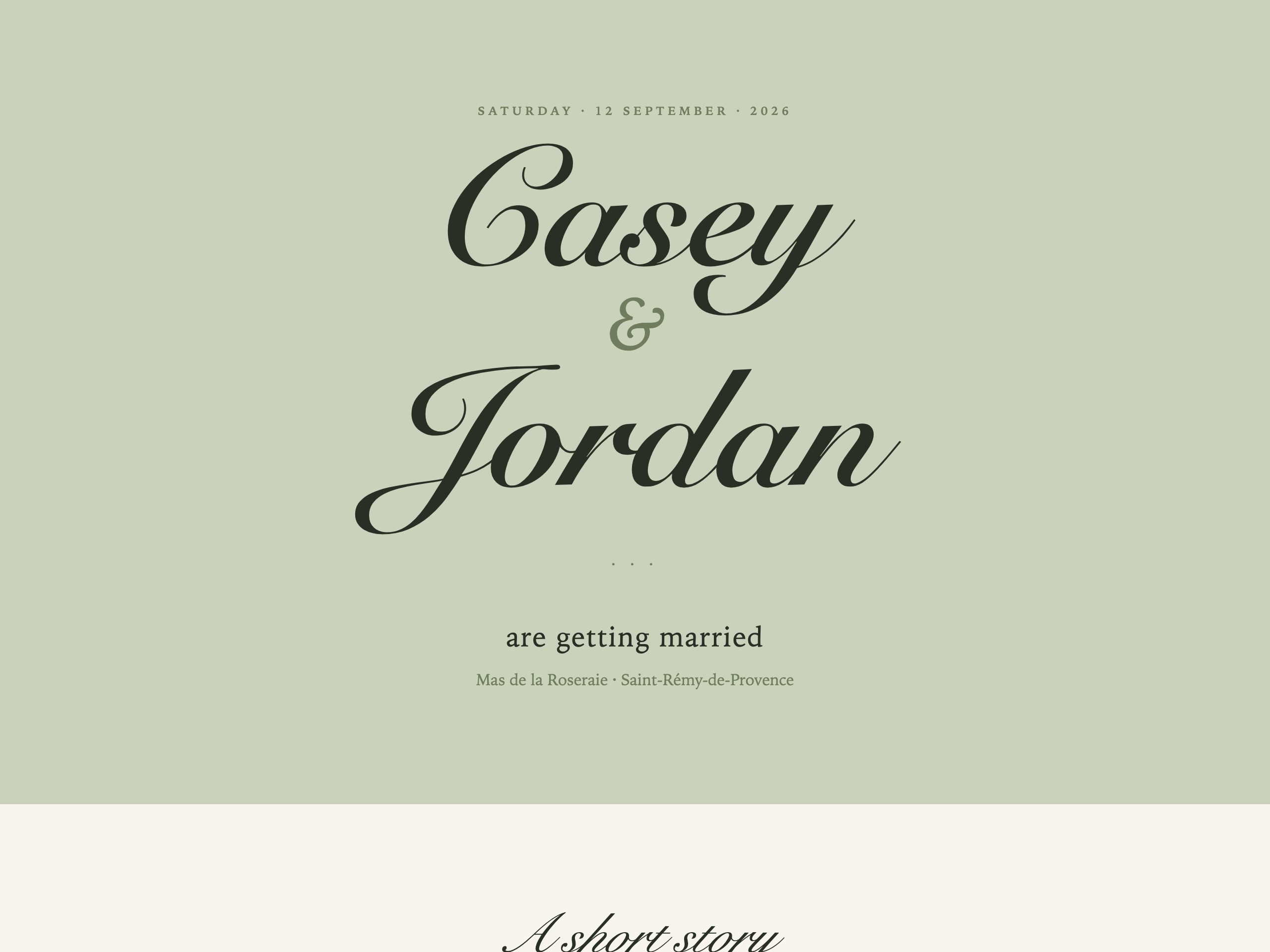
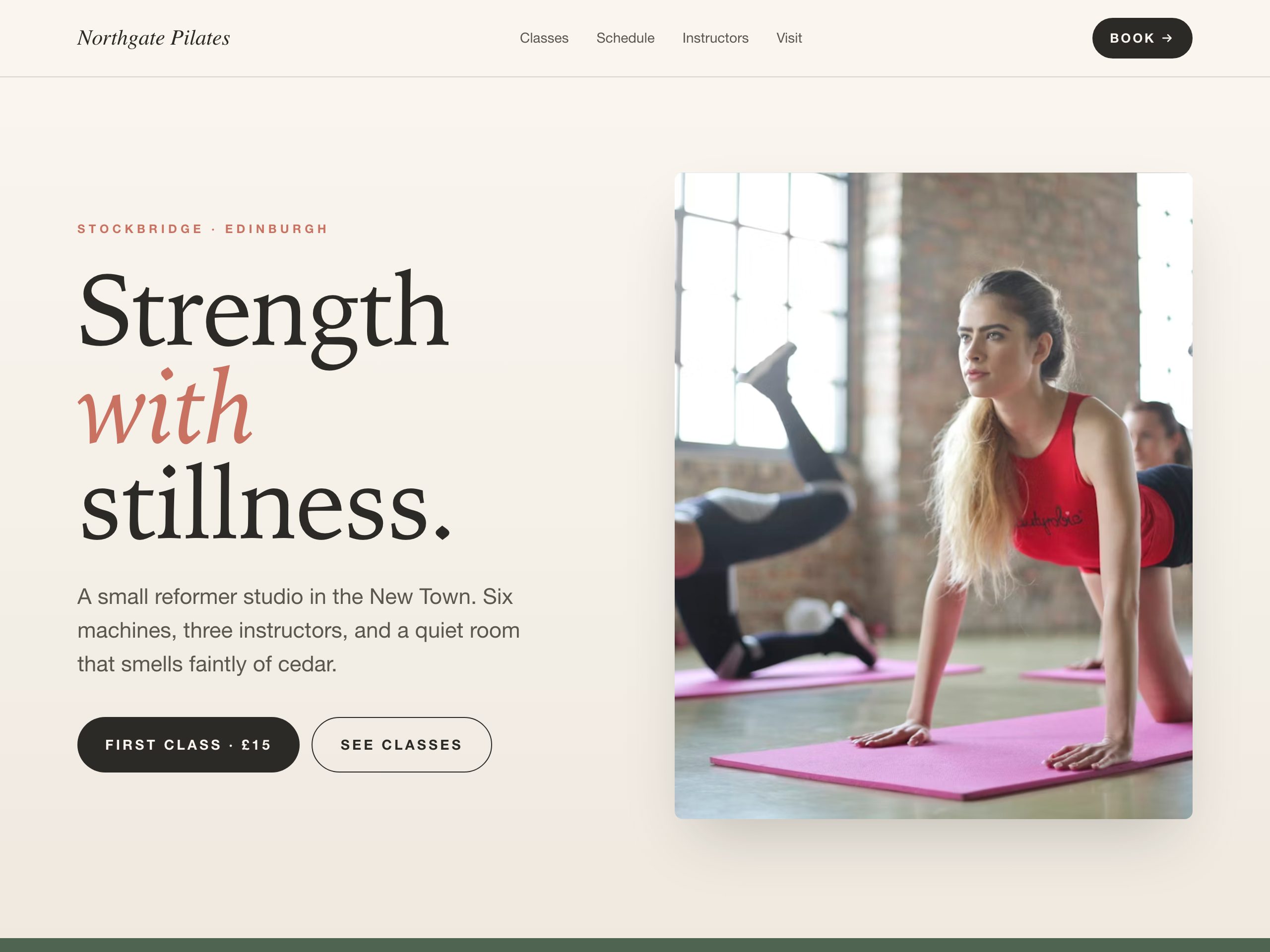
Prompt“A simple, elegant wedding website for Casey and Jordan, getting married on September 12 in a small village in Provence.”
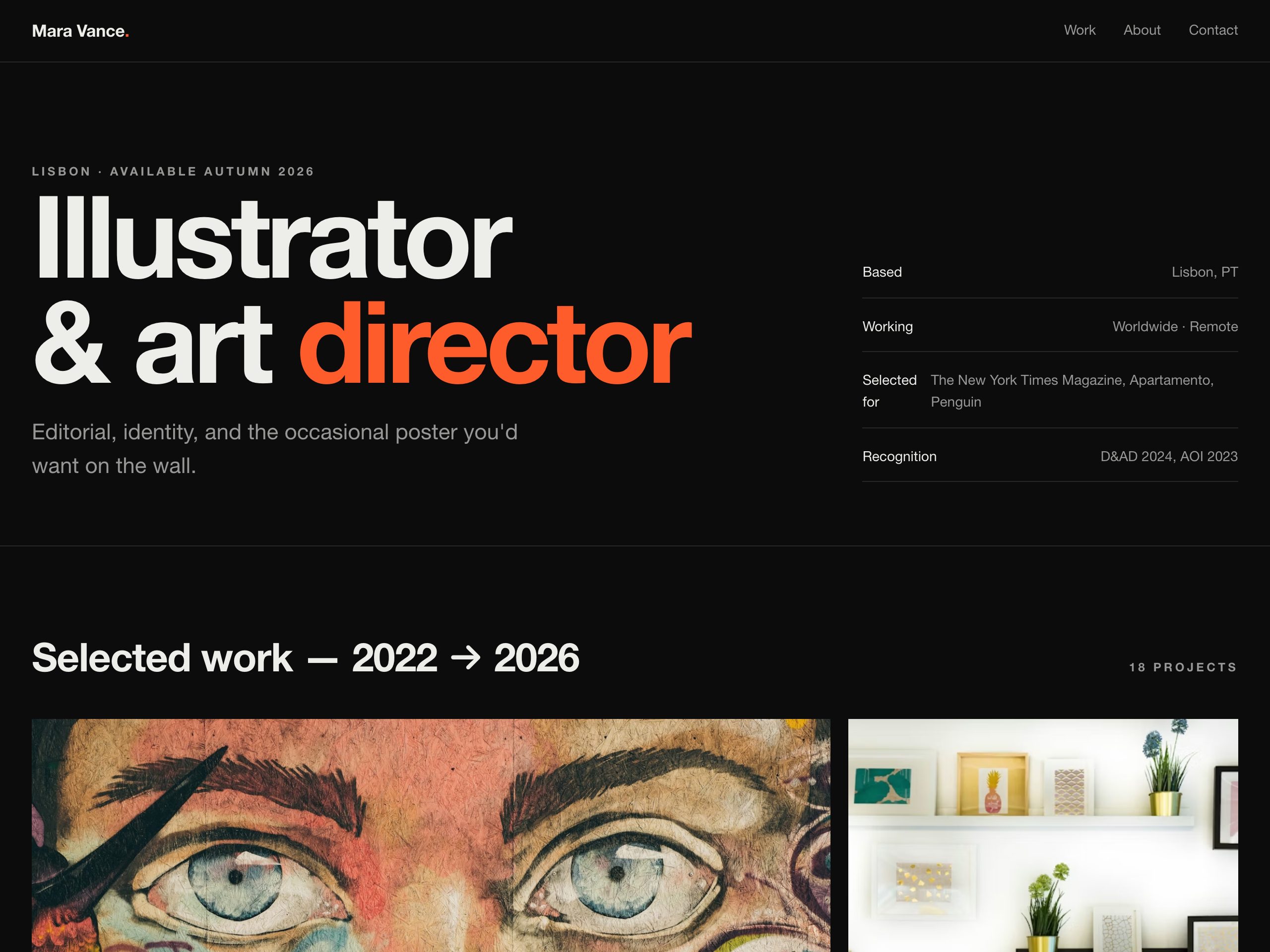
Prompt“Portfolio site for an illustrator and art director.”
Nanopage reads the documents and images you already own and turns them into real page content — text, layout, and imagery included.
 PDFs & brochuresWe extract the real copy and details.
 Images & photosUsed as real visuals, not placeholders.
 Menus & price listsFormatted and kept up to date.
Small is for light personal sites run by one person. Growth is the recommended plan for regular websites. Pro is for busy ones.
Compare plans →Guided Launch · two hours of setup and training, added to any plan · $150 once
Content websites: restaurant menus, real estate listings, weddings, portfolios, resumes, brochures, event pages, salons, photographers, consultants, freelancers, and small business sites. Not native ecommerce checkouts and not custom web apps.
About 3-5 minutes for most sites. Larger PDFs, big galleries, and detailed multi-section pages can take a little longer.
No. Describe the site in plain English, drop in any content you already have, and Nanopage assembles the page. Later edits happen by chatting with the AI.
Plans start at $19 per year per website. Small is for small and personal websites that will not get many visits or changes. Growth is the recommended plan for regular websites with moderate traffic. Pro is for busy sites with heavy traffic or frequent changes. Collaborators come with Growth and Pro; everything else is on every plan.
Yes. Custom domains are supported. Keep the default Nanopage URL or connect a domain you already own from the site workspace.
Yes. Invite people by email from the site workspace and they can edit the site with you: chat with the AI, swap files, and publish new versions. Deleting the site, billing, and inviting others stay with you as the owner. Up to 20 collaborators per site on Growth and Pro, with no per-seat charge.
Yes. From the site workspace you can put a shared password on the published site so visitors unlock it before it loads. Turn it off anytime to make the site public again. One password works for everyone you share with. There are no visitor accounts. Included on every plan.
Yes. Every site ships with built-in, cookieless analytics for page views, unique visitors, top pages, referrers, and countries over the last 7, 30, or 90 days. No tracking snippet to install, no consent banner, no second subscription. Open the Analytics tab from any site in your dashboard.
Yes. Nanopage includes a simple CMS for news, blog posts, products, events, FAQs, testimonials, and custom content types. Add or update entries without using an AI change. Contact, booking, quote, and enquiry forms send submissions to a private inbox with unread markers and email notifications.
Yes. Nanopage runs an MCP (Model Context Protocol) server, so Claude Code, Claude Desktop, Cursor, and Codex CLI can publish to it directly. Mint a personal access token, add the endpoint to your client config, and your agent can create sites, ship new versions, and list what you already have.
Your first Nanopage build is free to preview before you pay, and every purchase is covered by a 7-day refund window. Buy, build, and refund if it does not work for you.
Start with a chat and the files on your desktop. Watch a real site come together — then keep shaping it by talking.