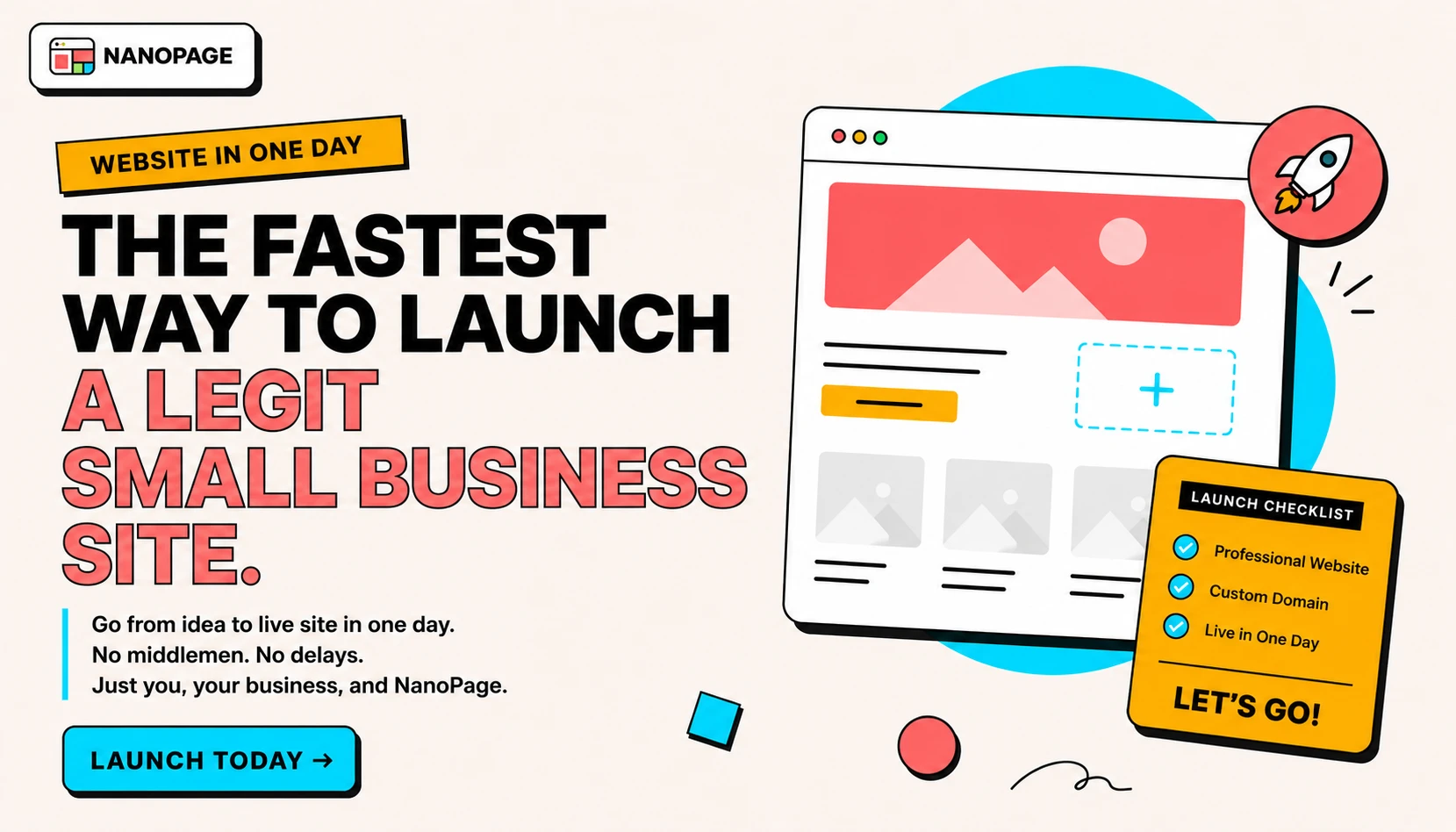
You can launch a useful small business website in one day if you stop treating version one like a brand identity project.
The goal is not to build the perfect website. The goal is to publish a clear, credible page that answers the questions real visitors have before they call, book, visit, request a quote, download a file, or send an email.
Most small business websites are delayed by the same things: too many page ideas, no written facts, missing photos, unclear calls to action, and endless design decisions that do not affect whether a customer can use the site.
This guide gives you the fastest practical path.
What "legit" means
A legit one-day website does not need twenty pages, custom animation, a blog archive, or a full brand system.
It does need:
- A clear headline.
- A short explanation of what you do.
- The audience or location you serve.
- Services, offer, menu, event, property, portfolio, or document details.
- Contact details.
- One primary call to action.
- Real photos or useful source files.
- Trust signals.
- Mobile-friendly layout.
- A real URL.
If the site has those, it can do its job while you keep improving it.
What to skip on day one
Skip anything that slows publishing without helping the first visitor.
Usually skip:
- Full logo redesign.
- Custom illustration.
- Complicated navigation.
- Multi-page architecture.
- Blog setup.
- Perfect animations.
- Analytics dashboards.
- Newsletter automation.
- CRM integration.
- Brand manifesto copy.
- Every possible service detail.
- Debating five hero headlines for two hours.
Add those later if they matter. A fast website is useful because it exists.
The one-day schedule
Use this if you want the site live today.
Hour 1: collect the facts
Open a plain text file and write the practical details.
Use this structure:
# Site name

What this is:

Who it is for:

Main call to action:

Contact:

Location or service area:

Hours or availability:

Services, menu, offer, property, event, or portfolio details:
-
-
-

Prices or price guidance:
-
-
-

Trust signals:
-
-
-

Links:
-
-
-
Do not write marketing copy first. Write the facts. The copy can be cleaned up later.
For a deeper version, use the website brief template.
Hour 2: choose the page job
Every fast website needs one main job.
Pick one:
- Get quote requests.
- Show a menu.
- Book appointments.
- Sell people on a property.
- Help guests RSVP.
- Show portfolio work.
- Share a resume.
- Publish a PDF.
- Explain a service.
- Send visitors to a booking, payment, or order link.
If the page has two jobs, pick a primary one. If it has seven jobs, you are building too much for day one.
Hour 3: gather proof
Proof makes a simple site credible.
Good proof:
- 3-10 real photos.
- Before and after images.
- Screenshots of work.
- Testimonials.
- Reviews.
- Credentials.
- Licenses.
- Years of experience.
- Client names, if public.
- Press mentions.
- A portfolio sample.
- A PDF, menu, brochure, listing sheet, resume, or deck.
For many local businesses, a phone photo of real work is better than a polished stock image. Visitors want to know the business is real.
Hour 4: outline the page
Use a simple one-page structure.
For most small business sites:
- Hero: what you do, who it is for, and the CTA.
- Services or offer.
- Prices or packages.
- Proof.
- Location, hours, or service area.
- FAQs.
- Final CTA.
For a restaurant:
- Hero with food or storefront photo.
- Menu highlights.
- Hours.
- Location.
- Reservation, delivery, or contact links.
For a property:
- Hero photo.
- Price and key stats.
- Gallery.
- Description.
- Neighborhood notes.
- Showing CTA.
For an event:
- Event name and date.
- RSVP or ticket CTA.
- Schedule.
- Venue.
- Travel, parking, dress code, or FAQ.
Use the one-page website checklist if you want a more detailed launch scan.
Hour 5: generate or assemble the page
This is where the path splits.
If you are using a traditional site builder, pick the simplest template you can tolerate and fill in the sections from your outline. Do not browse templates for an hour. Choose one that supports your content and move.
If you are using Nanopage, upload your brief and files, choose the closest category, and ask for the site in plain language.
Example:
Create a one-page website for this residential cleaning business.

Use the brief.txt file as the source of truth.
Include services, prices, service area, testimonials, and a quote CTA.
Make it clean, friendly, and easy to scan on phones.
Example:
Turn this menu PDF and these food photos into a mobile-friendly restaurant website.

Make the menu, hours, address, and reservation link easy to find.
Keep the original PDF available as a download.
Example:
Build a single property website from these listing photos and details.

Lead with the strongest exterior photo, show price and key stats near the top, include a gallery, and end with a showing CTA.
Hour 6: fix only the launch blockers
After the first version exists, do not start redesigning everything.
Check for blockers:
- Wrong phone number.
- Wrong email.
- Wrong price.
- Wrong date.
- Missing address.
- Missing CTA.
- Broken booking link.
- Broken PDF download.
- Bad mobile cropping.
- Missing service area.
- Unclear headline.
Fix those first.
Everything else is a second pass.
Hour 7: connect the domain or use the temporary URL
If you already own a domain, connect it.
If domain setup will delay the launch, use the hosted URL today and connect the domain tomorrow.
A temporary live URL is better than a perfect domain attached to an unpublished site.
When you are ready for the custom domain, use the domain guide.
Hour 8: publish, test, and send it to someone
Before sharing widely, test the essentials:
- Open the site on your phone.
- Tap the CTA.
- Tap phone and email links.
- Open the PDF or download link.
- Check images.
- Read the headline out loud.
- Search the page for the wrong business name, placeholder copy, or fake details.
Then send it to one person who understands the business. Ask only:
"Can you tell what this is, who it is for, and what to click next?"
Do not ask:
"What do you think?"
That question invites vague feedback and delays launch.
The minimum viable small business site
If you are overwhelmed, publish only this:
Headline:
What you do + who/where you serve.

Short intro:
One paragraph.

Services or offer:
Three to six bullets.

Price guidance:
Exact prices, from prices, or quote explanation.

Proof:
Two testimonials, credentials, or real work photos.

Contact:
Phone, email, booking link, address, or form.

CTA:
One clear next step.
That is enough for many restaurants, service businesses, freelancers, consultants, tutors, trainers, salons, photographers, trades, events, resumes, and property listings.
What makes one-day sites fail
Fast sites usually fail for practical reasons, not design reasons.
Common mistakes:
- The headline is vague.
- There is no price guidance.
- The contact button is hard to find.
- The business location is missing.
- The page uses stock photos instead of real work.
- The services are described too generally.
- The site tries to serve five audiences at once.
- The booking or contact link is broken.
- The owner waits for perfect copy and never publishes.
Fix those and the page becomes much more useful.
What to improve after launch
After the site is live, improve it in this order:
- Better photos.
- Stronger proof.
- More specific service descriptions.
- Better FAQs.
- Better title and meta description.
- Custom domain.
- More internal links.
- More pages for major services or use cases.
- Analytics.
- Conversion tracking.
Do not do this before launch unless the site already exists.
Best one-day website use cases
One-day websites work especially well for:
- Restaurant websites
- Menu websites
- Real estate listing pages
- Resume websites
- Portfolio websites
- Salon websites
- Photographer websites
- Consultant websites
- Freelancer websites
- Cleaning service websites
- Plumber websites
- Electrician websites
- Event landing pages
- PDF-to-website pages
They work less well for complex e-commerce, membership products, marketplaces, dashboards, custom web apps, or anything that needs private user accounts and workflows.
One-day launch prompt for Nanopage
Copy this into Nanopage with your files:
Build a clear one-page website from these files.

Goal:
Launch a credible first version today.

Audience:
[who this is for]

Primary CTA:
[call, book, email, reserve, download, RSVP, request quote]

Must include:
- What this business/page is
- Services, offer, menu, listing, event, resume, portfolio, or document details
- Price guidance if available
- Contact details
- Location or service area if relevant
- Trust signals
- FAQ if useful

Style:
Clean, credible, mobile-friendly, and easy to scan.

Avoid:
Placeholder copy, fake claims, generic stock-photo feel, and overcomplicated sections.
Replace the bracketed parts. Upload brief.txt, photos, PDFs, menus, resumes, or listing details. Then generate.
The short version
To launch a website in one day:
- Write the facts.
- Pick one page job.
- Gather proof.
- Use a simple page structure.
- Generate or assemble the page.
- Fix only launch blockers.
- Publish.
- Improve after it is live.
The fastest legitimate website is not the one with the most features. It is the one that gives visitors the information they need and a clear next step.
Nanopage is built for exactly that kind of launch: bring the content you already have, describe the site, and publish a hosted page quickly. See how it works or start with the content guide.