People rarely leave Wix because it is bad. They leave because they are paying for a lot of platform they do not use.
The story is usually the same. Someone builds a site for their bakery, practice, studio, or club over a long weekend. It looks fine. Then the renewal arrives: the plan, plus the domain that was free only for the first year. Opening hours change, and the editor has to be relearned. And the site is still, at heart, five pages and a contact form.
If that sounds familiar, this guide is for you. It covers what Wix costs, when Wix is still the right tool, when a smaller builder like Nanopage fits better, and how to move without losing your content or your Google rankings.
What Wix costs
Wix's paid plans, billed yearly, were listed at these prices in November 2026:
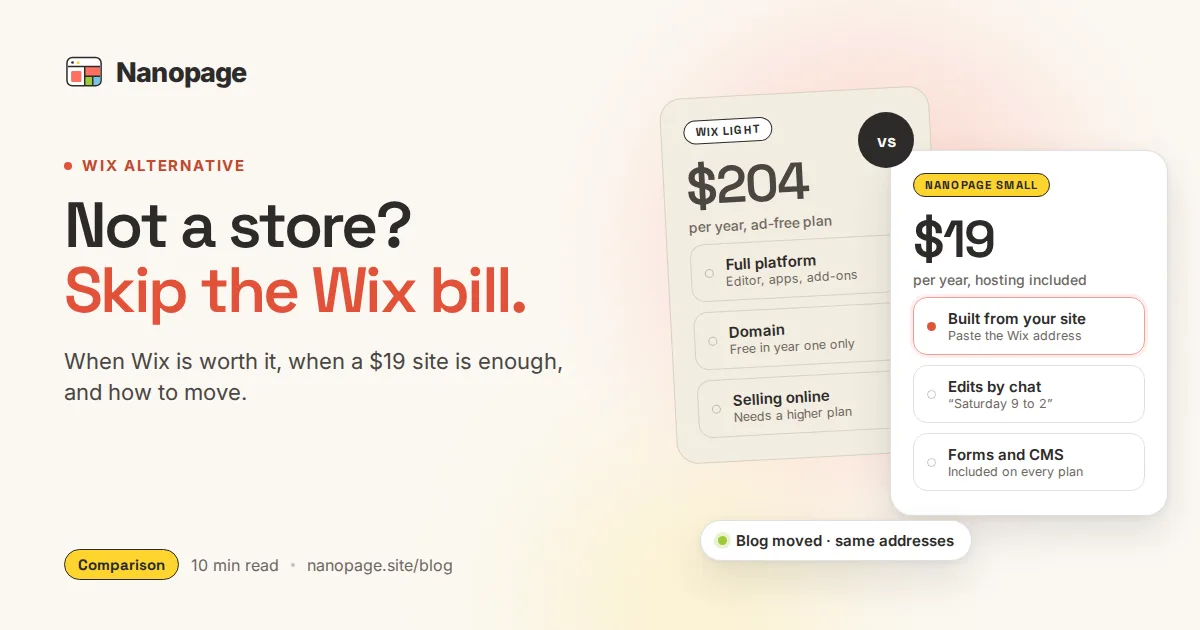
- Light: $17 a month, about $204 a year. The cheapest plan that removes Wix ads and lets you use your own domain. It cannot take payments.
- Core: $29 a month, about $348 a year. Adds online payments and selling.
- Business: $39 a month, about $468 a year. More storage and more selling features.
- Business Elite: $159 a month.
Three details matter when you compare:
- Promotions come and go. Wix runs discounts from time to time. Check what the plan costs when it renews, not only the first bill.
- The free domain is a one-year voucher. It comes with the first purchase of most yearly plans and only covers a new domain bought through Wix. From year two you pay to renew the domain on top of the plan.
- The free plan is free forever, with limits. The site lives at an address like
username.wixsite.com/sitenameand shows Wix ads, so most businesses do not stay on it.
Prices change, so check Wix's plans page before you decide. The pattern holds either way: an ad-free business site on Wix costs around $200 a year, and more as soon as you need to sell.
Where Wix is genuinely better
An honest comparison starts with what Wix does well. Stay on Wix, or choose it, if any of these describe your site:
- You run an online store. Payments, a cart, shipping, and inventory are part of Wix from the Core plan up. Nanopage has no checkout. It can link to Stripe, Shopify, or Etsy, but it is not a store.
- You need bookings, member logins, or a forum. Wix has its own apps for scheduling, paid memberships, and communities. A Nanopage site can have one shared password for visitors, not a login for each person.
- You want to place every element by hand. Wix lets you drag anything anywhere. If arranging the page yourself is the part you enjoy, Wix gives you more control.
- You need a free site and don't mind ads. On Nanopage the first build and preview are free, but publishing needs a paid plan.
If that is your site, Wix earns its price. The rest of this post is for everyone else.
Where Nanopage fits better
Most sites that end up on Wix are not stores. They are a business or organization telling people what it does, showing its work, posting news, and taking enquiries. For those sites, Nanopage differs in four ways.
1. It starts from your content
You describe the business and add what you already have: photos, a PDF menu, a price list, a flyer. Nanopage builds a complete, mobile-friendly site from that in about 3–5 minutes.
If you already have a site, even a Wix one, you can skip the description. Improve my site reads your current site from its address: the homepage and up to seven more pages, with up to 30 images and a few short videos. It keeps your words, photos, and contact details and rebuilds them in a fresh design. Your old site is only read, never changed.
2. You change it by asking
On Nanopage, asking is the normal way to work, for the first build and for every change after it:
- "Change the Saturday hours to 9 to 2."
- "Add a banner saying we are closed on 24 December."
- "Replace the third photo in the gallery with this one."
- "Make the whole site feel warmer, more like a café."
Each change becomes a new version, and you can go back to an older one with a click. For small fixes you can also click any text, link, or image in the preview and edit it by hand. Manual edits are unlimited and do not use an AI change.
Every site is built for phones first, so there is no separate mobile layout to keep in sync. See How to Update Your Website by Just Asking.
3. The things a small site needs are built in
These come with every Nanopage plan, with nothing to install:
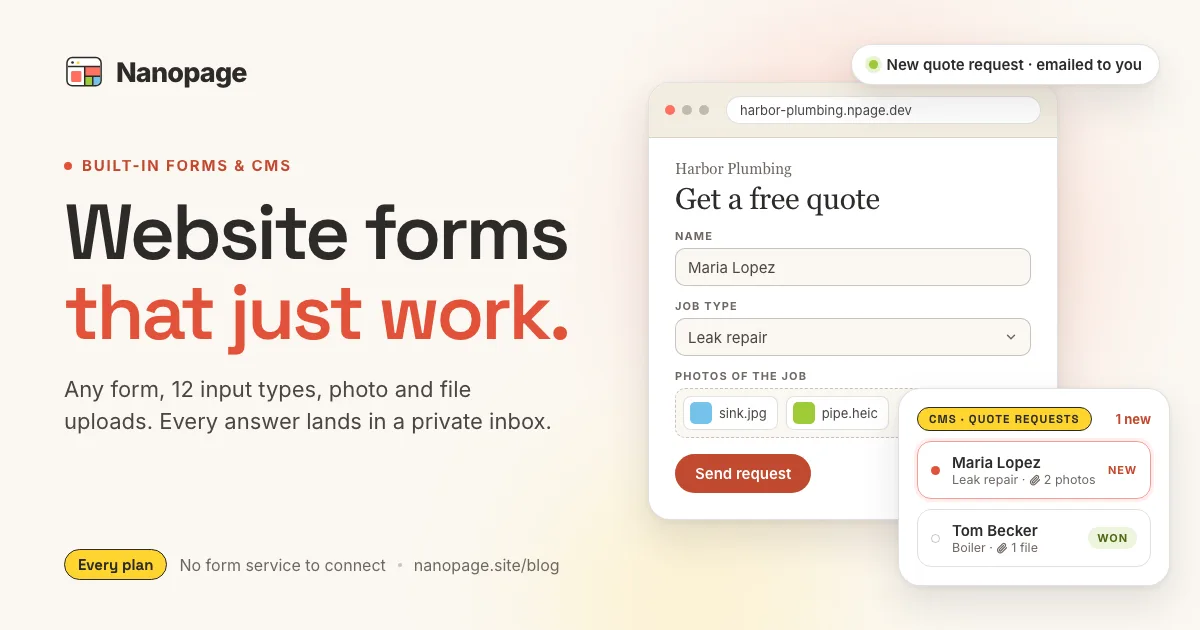
- Forms for contact, quotes, registrations, job applications, and reviews, including photo and document uploads, with a private inbox and email alerts. See Website Forms That Just Work.
- A CMS for things that repeat, like news, events, team members, menu items, or projects. Each one is a collection you fill in through a simple form, and each entry can have its own page. See the CMS launch post.
- Analytics without cookies: page views, visitors, top pages, referrers, and countries. See built-in analytics.
- Hosting and HTTPS, a free
yourname.npage.devaddress, and your own domain when you are ready. - Password protection: one shared password that covers the whole site.
- SEO basics: page titles, descriptions, and a sitemap that updates itself.
4. It costs less than a month of Wix
Nanopage has three yearly plans per website:
- Small, $19 a year: 50 AI changes, 20,000 visitors a year, 1GB of storage.
- Growth, $79 a year: 200 AI changes, 100,000 visitors, 5GB, and up to 20 collaborators.
- Pro, $249 a year: 500 AI changes, 500,000 visitors, 20GB, and up to 20 collaborators.
Hosting, forms, the CMS, analytics, and unlimited manual edits are included in all three. Small suits a site that changes now and then. A busier site belongs on Growth, which still costs less than half of Wix Light.
One difference to know: Nanopage does not sell domains. You buy one from a registrar such as Cloudflare or Porkbun, usually $10–15 a year for a .com, and connect it. Wix gives you a domain for the first year and charges for it after that. Over a few years the domain costs about the same either way. The plan underneath costs a lot less.
Year one for a typical small business site:
- Wix Light: about $204, with the domain free for the first year.
- Nanopage Small: $19, plus around $12 for a domain.
The full breakdown, including web designers and other builders, is in How Much Does a Small Business Website Cost in 2026?
Wix vs Nanopage at a glance
Wix
- A full platform: editor, app market, store, bookings, member areas
- From about $204 a year for an ad-free site
- Domain free for year one, then renewed separately
- An AI assistant plus drag-and-drop control over every element
- More power, and more to learn and maintain
Nanopage
- Builds the site from your description, files, or current site
- From $19 a year
- Bring your own domain and connect it yourself
- Forms, CMS, analytics, and password protection built in
- Changes by chat, or by clicking and editing
- No store checkout and no per-person logins
A shorter side-by-side is on the Nanopage vs Wix page.
Doesn't Wix have AI now?
It does. Wix's Harmony editor, launched in early 2026, includes an AI assistant called Aria. It can build a site from a prompt and change pages when you ask, and it is included in every Wix plan.
So "Wix has no AI" is not a reason to switch. These are:
- Price. The AI comes with the same plans. An ad-free site still starts at about $204 a year.
- Scope. Aria sits inside a large editor and an app market made for stores, bookings, and members. Nanopage is made only for content sites, so there is much less to learn and to keep up.
- Starting point. Nanopage builds from your own material: your current site, a PDF, your photos.
If you like Wix and its AI, and the price is fine for you, there is no need to move.
How to move from Wix to Nanopage
For a small site, the move takes an afternoon. Your Wix site stays live the whole time, so there is no gap.
Step 1: Write down what you have
Open your Wix site and note:
- Every page in the menu, and its address (
/about,/services,/contact). - Any blog. Wix blog posts usually live at
/post/your-post-title. Open one and check, because thepostpart can be renamed in Wix. - Every form, and where its messages go today.
- Anything that comes from a Wix app: bookings, a store, a members area.
If the site has been up a while, open Google Search Console, open Performance, switch to the Pages tab, and export the last 12 months. Those 20 or 30 addresses are the ones that bring visitors from Google.
Step 2: Rebuild the site from its address
Go to Improve my site, paste your Wix address, and add a note about what should change, for example "same content, cleaner and more modern, keep our green". Ask it to keep your page addresses too: "Keep the pages at /about, /services, and /contact."
Nanopage reads the homepage and up to seven of your most important pages and builds the new site. You look it over in a preview before you pay or publish anything. If your site has more pages, add them afterwards by asking and attaching their text and photos.
Step 3: Bring the blog over at the same addresses
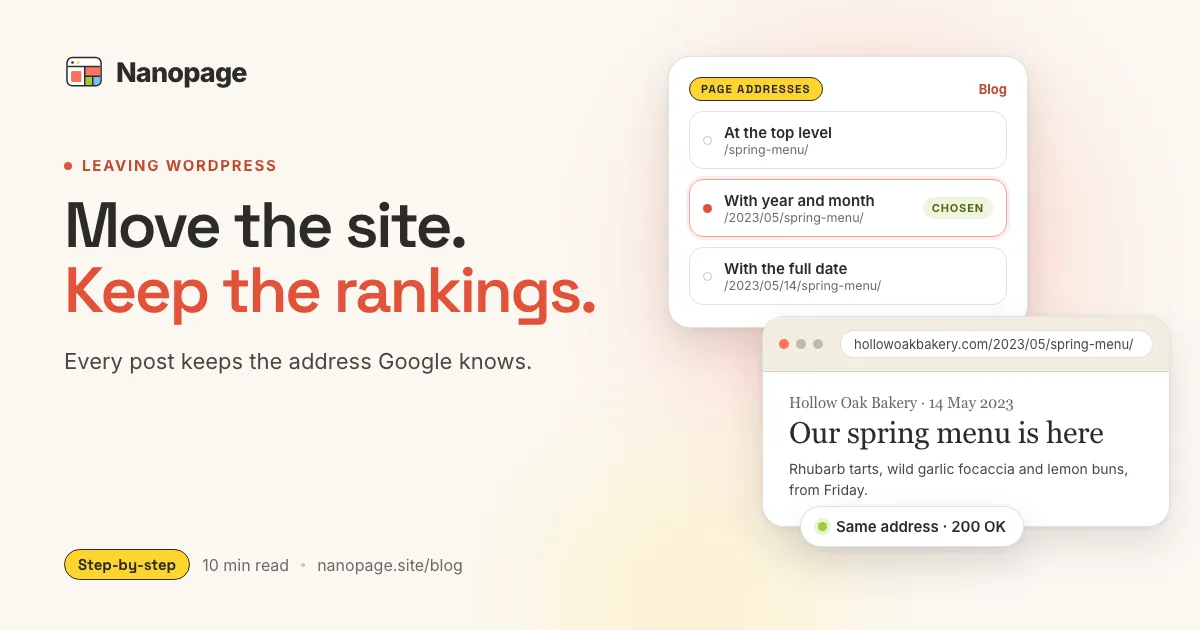
If your Wix site has a blog, put it in a collection on Nanopage. In the collection's settings, under Page addresses, choose Custom and enter /post/{slug}. Each post then answers at the address it had on Wix, so links from Google and other sites keep working.
For a few posts, paste them in. For many, connect an AI agent like Claude or ChatGPT to the Nanopage MCP server and ask it to copy the posts across with their titles, dates, and images, or use the import API. If a post's address doesn't fit the pattern, add it to the entry as an old address and visitors are sent on with a permanent (301) redirect.
The Leaving WordPress guide covers this step in more detail. The method is the same for Wix.
Step 4: Replace what the Wix apps did
- Contact and quote forms: ask for them in the chat. They are built in.
- Bookings: link to or embed a tool like Calendly or your industry's booking system.
- A small shop: link to a Stripe payment link, Shopify, or Etsy. If the shop is the main point of the site, Wix is probably the better home.
- Newsletter: the built-in signup form collects addresses. To send the emails, use a service like Mailchimp.
Step 5: Check the preview, then switch the domain
Open your top pages on the new site, on your phone as well as on a computer. Then point your domain at Nanopage. You add the domain in your Nanopage dashboard, and it shows the exact DNS record to set. The domain guide explains each step.
- If you bought the domain through Wix, you can keep it there. The domain is a separate purchase from your Wix website plan, and Wix lets you edit its DNS records to point it at a site hosted elsewhere. You can also transfer the domain to another registrar once it is eligible. A newly registered domain cannot be transferred right away.
- If you bought it elsewhere, change the record at that registrar.
- If you have email addresses on the domain, leave the mail (MX) records as they are.
Nanopage issues the HTTPS certificate automatically. Cancel your Wix plan only after the new site is live on your domain and you have checked it for a few days. If a record gives you trouble, email hello@nanopage.site and we will help.
Step 6: Watch Search Console for a few weeks
Submit the new sitemap.xml in Search Console and watch the Page indexing report for "Not found" errors. Each one is an old address you missed. For a blog post, add it as an old address on the entry. For a page, ask for a page at that address.
Other Wix alternatives
Nanopage is not the right answer for everyone leaving Wix. Depending on what you need:
- An online store: Shopify, or stay on Wix.
- A polished template you edit yourself: Squarespace. See Nanopage vs Squarespace.
- A very cheap one-page site you assemble yourself: Carrd. See Nanopage vs Carrd.
- An AI builder with invoicing and a CRM attached: Durable. See Nanopage vs Durable.
- A large blog with plugins for everything: WordPress.
All the comparisons are on the compare page.
Who should switch, and who shouldn't
Switch to Nanopage if your site is:
- A local business: a café, salon, trade, clinic, studio, or shop that sells in person.
- A practice or consultancy that needs to explain its services and take enquiries.
- A club, nonprofit, school, or community group with news and events.
- A portfolio, a personal site, an event, or a wedding site.
Stay on Wix if your site is:
- An online store where checkout is the main job.
- A membership site with per-person logins.
- Built around a Wix app you rely on every day.
The short version
Wix is a capable all-in-one platform, and you pay for all of it, in money and in things to learn. For a store or a membership site, that is a fair trade.
For a small business or organization site, it usually isn't. Nanopage builds the site from your content or your current Wix site, includes forms, a CMS, and analytics, costs from $19 a year, and you keep it current by saying what changed.
Paste your Wix address into Improve my site to see your site rebuilt. The first build and preview are free, and your Wix site keeps running until you decide to switch.