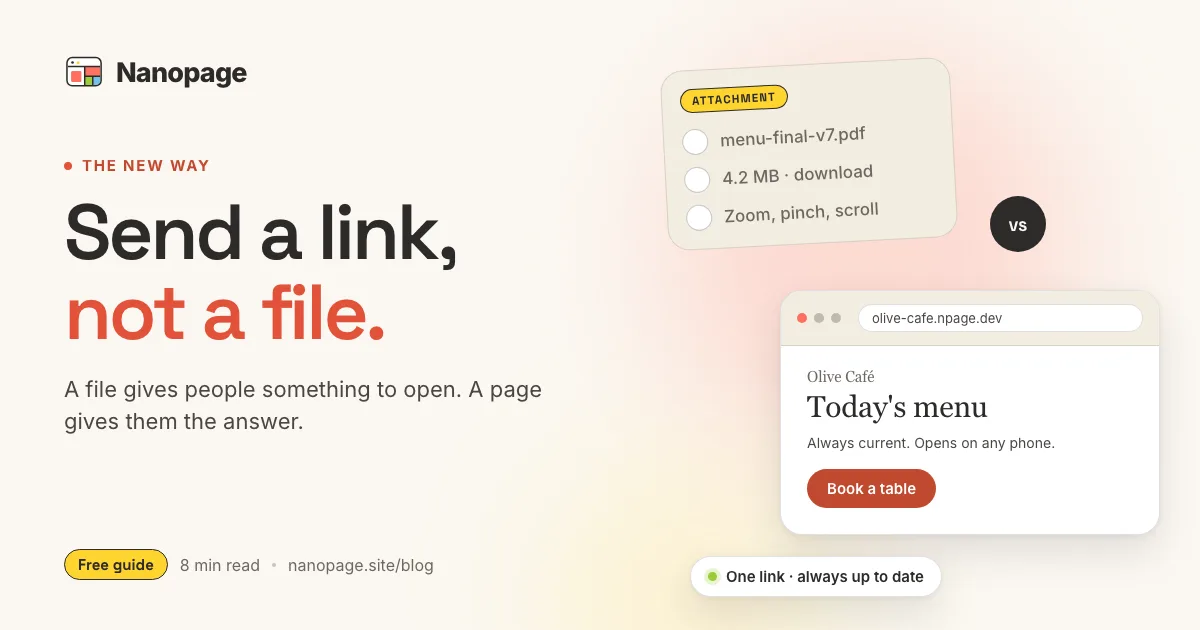
For years, the default way to send information was to attach a file.
A proposal became a PDF. An event became a flyer. A restaurant menu became a document. A portfolio became a deck. A set of instructions became a Word file named something like final-v3-revised.pdf.
The file was not necessarily the best experience. It was simply the easiest thing for the sender to make.
That tradeoff has changed. A useful web page can now be created as quickly as a document, which means more of the things we send should arrive as URLs instead of attachments.
A file gives someone something to open. A URL gives them somewhere to go.
An attachment creates work for the reader
Think about what happens after you attach a file to an email or message.
The recipient has to download it or open a preview. On a phone, they may need to pinch, zoom, and drag around a layout designed for A4 paper. They have to find the relevant section, return to the message to copy an address or phone number, and decide whether the file called proposal-final-2.pdf is newer than the one you sent last Tuesday.
None of those steps is catastrophic. Together, they are friction.
The problem becomes obvious when the information is meant to cause an action. A customer should not need to search a brochure for the booking link. A wedding guest should not need to zoom into a flyer to find the venue. A recruiter should not have to download a resume before seeing the candidate's strongest work.
The format is making the reader do work that the sender could have done once.
A page starts with the answer
A good URL opens directly to the useful part.
It can put the date, price, location, recommendation, or main idea at the top. It can turn phone numbers into tap-to-call links, addresses into map links, and vague next steps into clear buttons. It can adapt to a narrow phone screen instead of shrinking a desktop document until the text becomes unreadable.
It also gives the information a home. When something changes, you update that page. Everyone who has the link sees the current version. There is no second attachment to send and no old copy sitting in somebody's downloads folder pretending to be current.
That is the real advantage of a URL. It is not merely a file hosted online. It is a single, living destination designed around what the reader came to learn or do.
Things that work better as a URL
Many everyday attachments are really small websites waiting to happen.
A proposal
Instead of opening with twelve slides about your company, a proposal page can lead with the client's problem, the recommended approach, the price, and the decision. Supporting material and a downloadable PDF can sit below it.
The recipient gets a link they can forward internally without losing the context from your original email.
An event flyer
A flyer is good for a noticeboard. A page is better for a person holding a phone.
The page can make the time, location, schedule, tickets, parking, accessibility details, and RSVP action immediately usable. If the venue changes, the same URL stays correct.
A menu or price list
Customers rarely want the document. They want to know what is available, what it costs, whether you are open, and how to order.
A page lets them scan categories, search text, tap the phone number, or open directions. The designed menu can still be offered as a download for anyone who wants it.
A resume or portfolio
A file records a career. A page can present it.
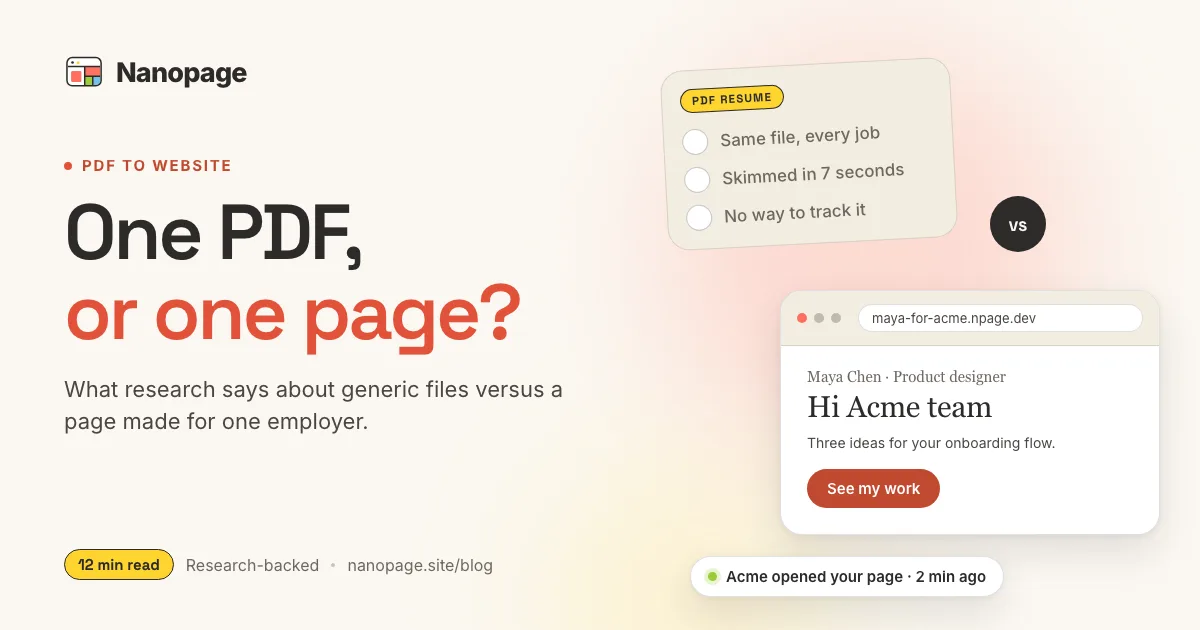
The strongest work can appear first, with direct links to projects and a clear way to make contact. The conventional PDF remains available for recruiters, formal applications, and applicant tracking systems. For a practical version of this approach, see how to turn a resume PDF into a website.
A property listing
A listing sheet is static. A listing page can combine photos, specifications, a map, viewing details, an enquiry button, and the latest availability in one place.
The same pattern works for rentals, vehicles, equipment, and almost anything being offered to a buyer.
A guide or set of instructions
Onboarding notes, travel plans, schedules, checklists, and how-to guides benefit from headings, links, buttons, and layouts that work on any screen. They also tend to change. A URL prevents five people from following five different versions.
The URL can carry the context too
Attachments usually arrive with their meaning stored somewhere else.
The email explains what the file is, why it matters, what changed, and what the recipient should do next. Forward the attachment without that message and part of the information disappears.
A page can carry its own context:
- What this is
- Who it is for
- What matters most
- What has changed
- Who created or owns it
- What the reader should do next
- Where to get the original file
That makes the URL more durable than the conversation that delivered it. It can be bookmarked, forwarded, linked from another site, printed as a QR code, or opened six months later without becoming mysterious.
A URL is easier to improve after you send it
Sending an attachment often feels like publishing, but it behaves more like making copies. Once the copies leave, you cannot call them back.
A page changes the unit of sharing from a copy to a destination.
You can correct a typo, replace an outdated price, add a new photo, clarify a confusing section, or change the main action without asking everyone to download another version. If the page includes analytics, you can also learn whether people visited and what they used instead of treating delivery as the finish line.
This matters most for information with a half-life: menus, schedules, offers, application instructions, property availability, campaign material, team guides, and anything containing dates or prices.
When a file is still the right answer
The new default should not become a new rule. Some things are files because the exact artifact matters.
Keep the attachment when:
- The recipient must edit the original document
- The page layout must be preserved for printing
- The file is signed, certified, or legally significant
- It must work completely offline
- The recipient needs to archive an exact version
- A platform or application process explicitly requires that format
- The material is private and you do not have an appropriately protected page
Invoices, contracts, print-ready artwork, spreadsheets, and official forms are not improved by pretending they are landing pages.
Public versus private is a separate decision from page versus file. Do not put confidential material at a public URL. When the information benefits from a web experience but should have a limited audience, use a password-protected page or another access-controlled system.
Often, the best answer is both
The most useful pattern is frequently a page with the original file attached.
The page serves the person who wants the answer now. The download serves the person who needs the exact document.
A pitch page can summarize the offer and link to the full deck. A course page can show dates and enrollment details while offering the syllabus as a PDF. A resume site can present selected work and keep a printable resume one click away. A report page can lead with the findings and preserve the full report for reference.
This is not duplication. Each format has a job.
The attachment test
Before sending a file, ask four questions:
- Does the reader want the document, or do they want an answer inside it?
- Will they probably open it on a phone?
- Is the information likely to change?
- Is there an action they should take after reading it?
If the reader wants an answer, will use a phone, needs current information, or should take an action, send a URL.
If they need the exact artifact, send the file.
If they need both, make the page the front door and put the download inside it.
Turning an attachment into a useful page
Do not simply paste every page of a document onto the web. Conversion is an editing job.
Start with the reader and rebuild the material around their questions:
- Put the main answer or offer at the top.
- Move essential facts into scannable sections.
- Turn contact details and next steps into working links or buttons.
- Remove repetition that only made sense in the original format.
- Keep the source file available when its layout or authority matters.
- Check the result on a phone before sharing it.
For PDFs specifically, the PDF versus web page guide explains when to convert the content, when to host the original, and when to do both.
The work used to be difficult enough that attaching the file was understandable. Now an AI website builder can take the document, images, and a short instruction and produce a hosted page in minutes. The sender no longer has to choose between making something quickly and making it easy to use.
The short version
Attachments are copies. URLs are destinations.
Send a file when the file itself matters. Send a URL when the reader needs the information inside it. Use both when people need a fast answer and an exact download.
Nanopage turns the material you already have into a page you can share, update, and keep useful after the message that introduced it is gone. Bring a PDF, document, images, or plain-language brief, then create the page by describing what you need.